Plans
You pay per event, or by the month for as many events as you run. A participant is a distinct person who uploaded, answered a quiz, poll or prompt, entered a raffle, or marked themselves as there. The meter is people rather than files.
| Plan | Price | Events | Participants | Photos and clips |
|---|---|---|---|---|
| Brand Event | $69 one-time | 1 | 250 / event | 4,000 / event |
| Brand | $249 per month (or $2,490 per year) | Unlimited | 2,500 / month | 8,000 / event |
| Enterprise | Custom | Custom | Custom | Custom |

What a brand normally leaves an event with
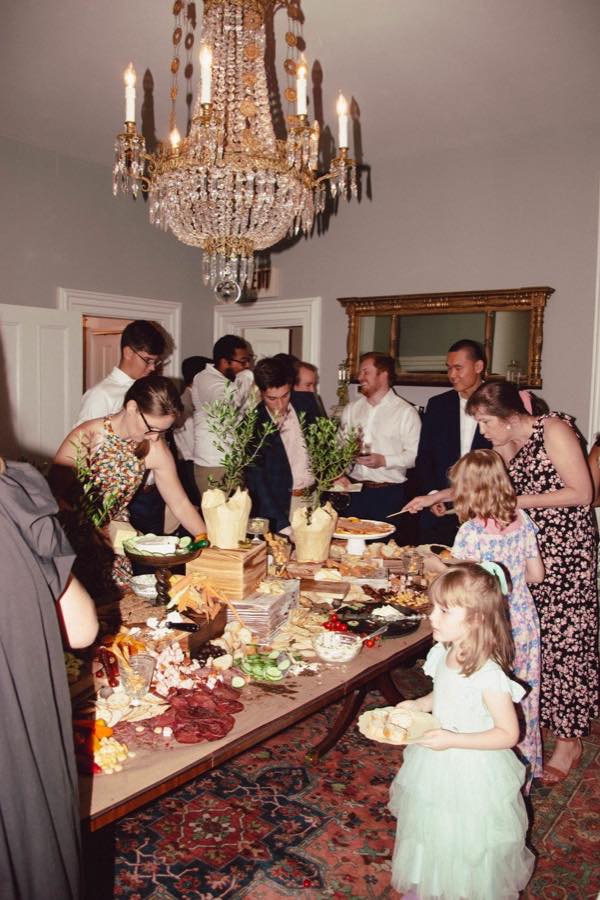
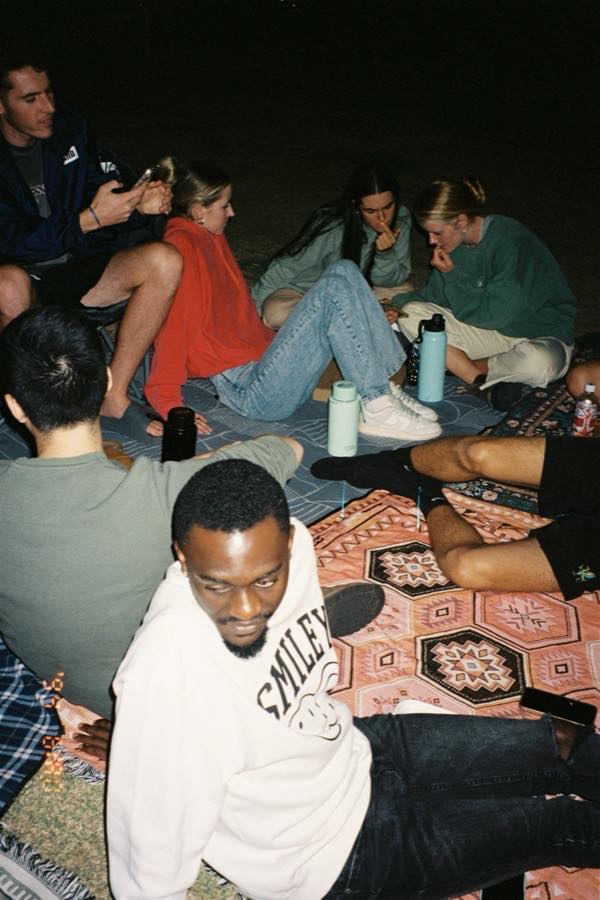
A photographer’s gallery that arrives eleven days later, all from one angle at chest height. A photo booth that printed strips nobody scanned. A stack of business cards. Somewhere in a group chat, the shot that would actually have been worth posting, taken by a guest, which you will never see.
MyWrap brings the guest content and audience response into one branded destination. The agency leaves with approved media, quiz and poll results, CTA activity and a report ready to shape for the client.
And then the audience is still there next month
Every person across every event you have run, with their uploads, answers, sign-up status and lifecycle stage. New is one event, recently. Active is two or more, recently enough to still be reachable: the people to invite by name. Lapsed is no event in 180 days.
MyWrap does not run facial recognition. Attendance and returning audience are counted from what people did, not from what they look like.
How a brand runs an event
One workspace runs the album, the event and the audience record it leaves behind.
Open a workspace
Sign in with a work email, add the brand name and links, then review the logo, colors, writing voice and public brand page before saving them.
Set up the event
Add the event name, date and location. Choose upload limits, visibility, an optional entry code and the upload terms guests should see.
Guests join with one link
Share the direct link and QR code. Guests open the branded album in a phone browser, then add photos, answer prompts or take a quiz without creating an account.
Give guests a reason to take part
Seed the album, add a clear prompt and place the QR code where people pause. Add a quiz, poll, rating, raffle or sign-up only when it supports the event goal.
Review what happened
After the event, review the media, quiz and poll answers, opt-ins and link results. Build the official recap, edit the social pack and export the report or contact list.
MyWrap for Business at a glance
- Who it is for
- Teams running brand activations, festivals, conferences, store openings, venue events and community gatherings.
- What guests install
- Nothing. The album opens in a phone browser, and no account is needed to add photos, take a quiz or answer a prompt.
- Price
- Brand Event $69 one-time, covering one event with up to 250 participants. Brand $249 per month or $2,490 per year, unlimited events and up to 2,500 participants a month. Enterprise is custom.
- What a participant is
- A distinct person who uploaded, answered a quiz, poll or prompt, entered a raffle, or marked themselves as there. A page view alone does not count as participation.
- The CRM
- Participant records across the events in your workspace, including uploads, quiz and poll answers, sign-up status and lifecycle stage. Contact details appear only when someone provides them.
- Upload terms
- Your terms can appear before a guest’s first upload. MyWrap records the version shown and the contributor’s agreement.
- Branding
- Your logo and accent colour on the album guests open, a saved brand kit on the Brand plan, and a public page at mywrap.app/b/yourbrand. White label is scoped on Enterprise.
- Who can run it
- Teams can share a workspace as owner, admin or member, with up to 5 team seats on Brand and 100 on Enterprise. The plan and event records belong to the organization.
Frequently asked questions
How much does MyWrap for Business cost?
Brand Event is $69 once, for one event with up to 250 participants. Brand is $249 per month (or $2,490 per year) for unlimited events and up to 2,500 participants a month. Enterprise is custom. Creating the workspace itself is free, so you can set it up and look around before paying.
Do guests need an app or an account?
No. The event opens in any phone browser, iPhone and Android alike. Guests can add photos, take a quiz, vote in a poll, answer a prompt or enter a raffle without creating an account.
How do the quizzes work?
Add a multiple-choice quiz to the event album and set the correct answer. Guests choose an answer from the same link they use for photos, then see the result. The workspace keeps response totals and each participant’s activity for the event report.
What counts as a participant?
A distinct person who uploaded, answered a quiz, poll or prompt, entered a raffle, or marked themselves as there. Photos are capped separately per plan.
Who is it for?
Brands, venues, festivals, agencies, conference and community teams: anyone who runs events and currently leaves with nothing but a photographer’s invoice. Brand activations, festivals, conferences, store openings, sponsor lounges, community meetups and staff parties all run the same way.
Do we own the photos, and do we have the rights to post them?
Your own upload terms are shown to every guest before their first photo, version-stamped, with a record of who agreed to which version, guests without accounts included. See UGC rights for events.
Can more than one person run it?
Yes. Several people share one workspace as owner, admin or member (up to 5 team seats on Brand, 100 on Enterprise). The plan belongs to the organisation, so the person who bought it can leave without taking the events with them.
How do we start?
Sign in with a work email at mywrap.app/business/login. Creating the workspace is free: you name the brand, say what you do, and paste your links, and the setup fills in your brand kit, your writing voice and your public brand page from your own pages.
See what your next event leaves behind
Guest photos, answers, contacts and a written debrief, all from one link on the wall.