← All guides2During

Run a live poll
halfway through

6 min readUses Survey analysis

The short version

  1. 1Aim for the dip. The quiet middle is when a vote does the most good.
  2. 2Give the vote real stakes. If the result changes nothing, nobody bothers.
  3. 3Close it out loud. Announce the winner and act on it within minutes.

One poll, four moves

1Step 1 of 5

Find the dip in your run of show

Almost every event has a slump somewhere in the middle. The welcome buzz has worn off, the main moment has not started and people drift to their phones anyway.

Look at your run of show and mark that stretch. That is your poll slot. A vote in the first ten minutes competes with hellos. A vote at the end competes with coats. The middle has nothing to compete with.

Have the poll written and ready in the album before doors open, so launching it is one announcement, not a scramble backstage.
2Step 2 of 5

Make live polls for events change something

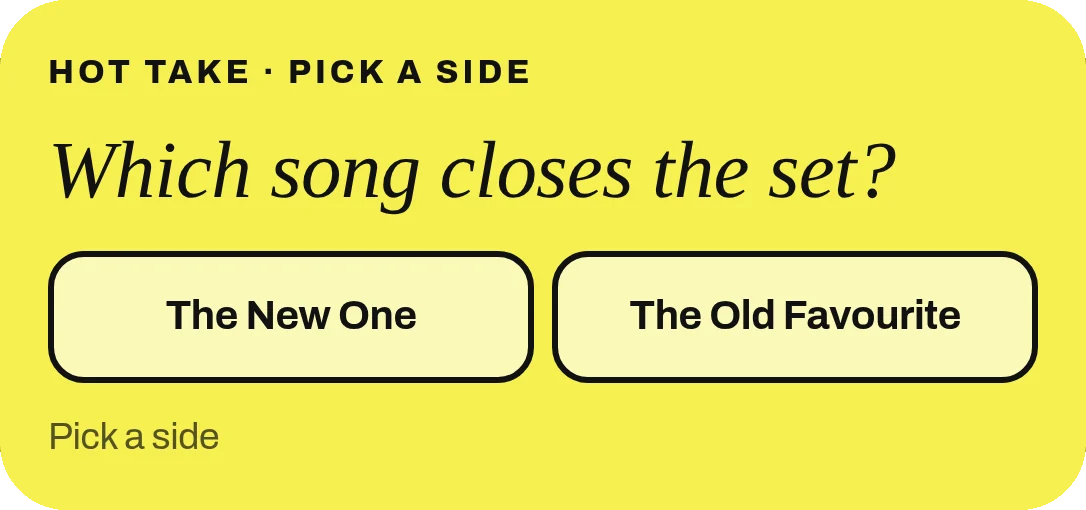
“Did you enjoy the event so far?” is a survey wearing a party hat. Live polls for events get answered when the result does something: the last song of the set, the flavour that gets restocked, which product gets demoed next, the raffle prize.

Guests answer in one tap, right inside the album they already have open for photos. No new link, no new app. The fewer steps there are, the more people vote.

Pick something you can deliver within fifteen minutes. Stakes are only real if people see the outcome before they leave.

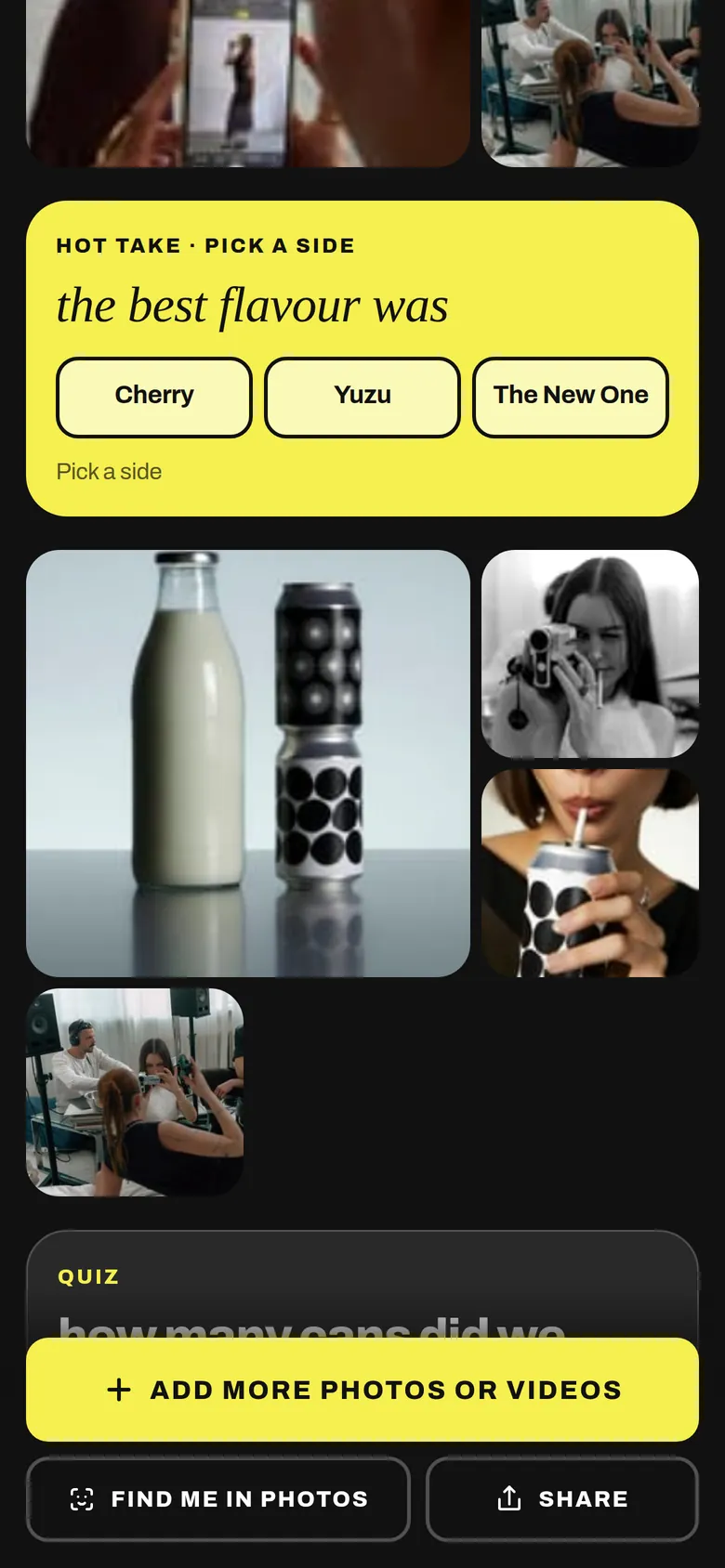
A pick a side vote between three flavours, inside the album
The poll sits in the same album guests opened to add photos.
3Step 3 of 5

Two or three options, all of them good

Fewer options mean faster decisions and a closer race. Two makes it a showdown. Three gives room for one slightly silly choice, which is often the one that wins.

Make every option one you are happy to act on. Nothing kills a poll faster than the host visibly ignoring the winner.

Keep the wording short enough to read at a glance on a phone held at arm’s length in a dark venue. Three or four words per option is plenty.

Two good options make a race.
4Step 4 of 5

Open it loud, close it louder

Launch it with one short announcement: what the vote is, where to find it (the same QR they used for photos) and when it closes. Five minutes is a good window. Long enough to vote, short enough to feel urgent.

Give a one-minute warning, then close it. Read out the result like a sports commentator. Then do the thing, right away, while everyone is still looking.

That moment of “we voted and it happened” is what people remember and what they photograph. Expect a little burst of uploads straight afterwards.

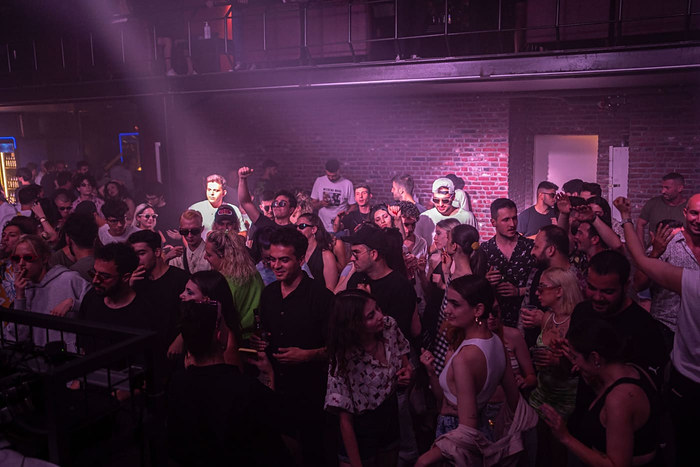
A packed dance floor under purple lights
Open it loud, while everyone is facing the same way.
5Step 5 of 5

Keep the answers for later

The poll did its job on the spot, but the answers are still worth something after. They tell you what your guests cared about, in their own taps, which beats a guess in a meeting.

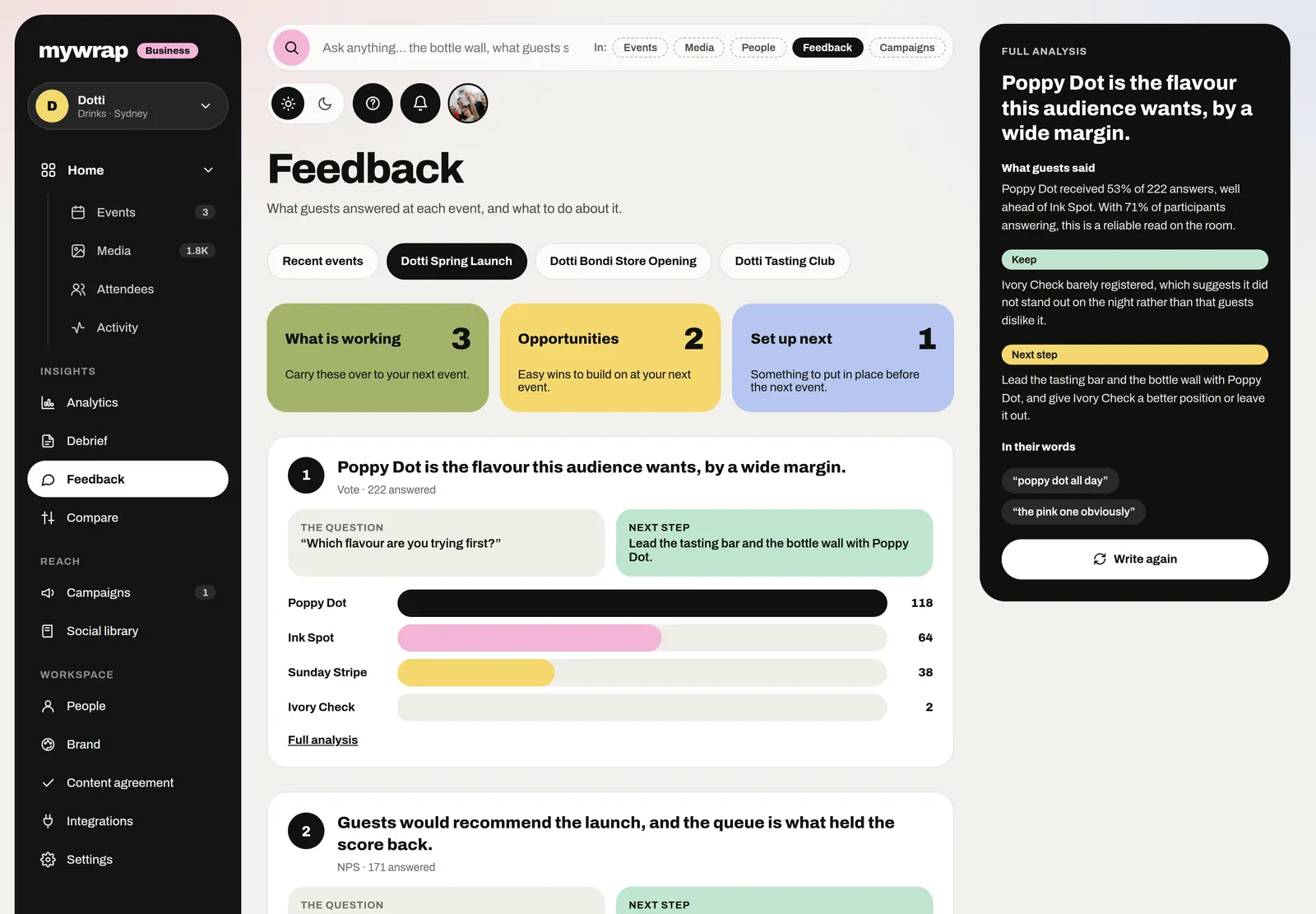
MyWrap turns poll and question answers into a clear read on what landed and what did not. Look at it alongside your other questions when you shape the next one.

If the vote was close, say so in the recap message. “Option B won by four votes” makes people feel they were part of something, because they were.

The Feedback page with each prompt’s answers and a next step
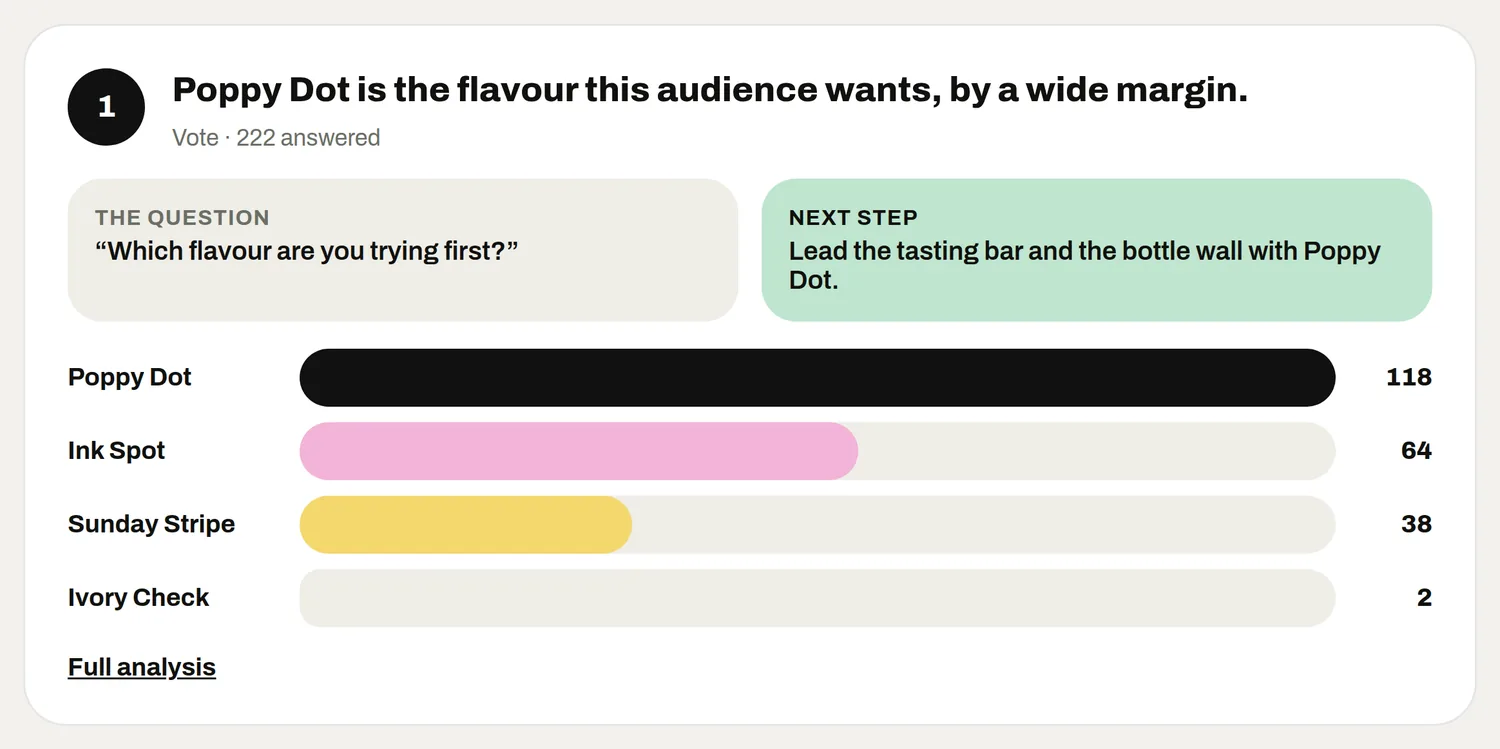
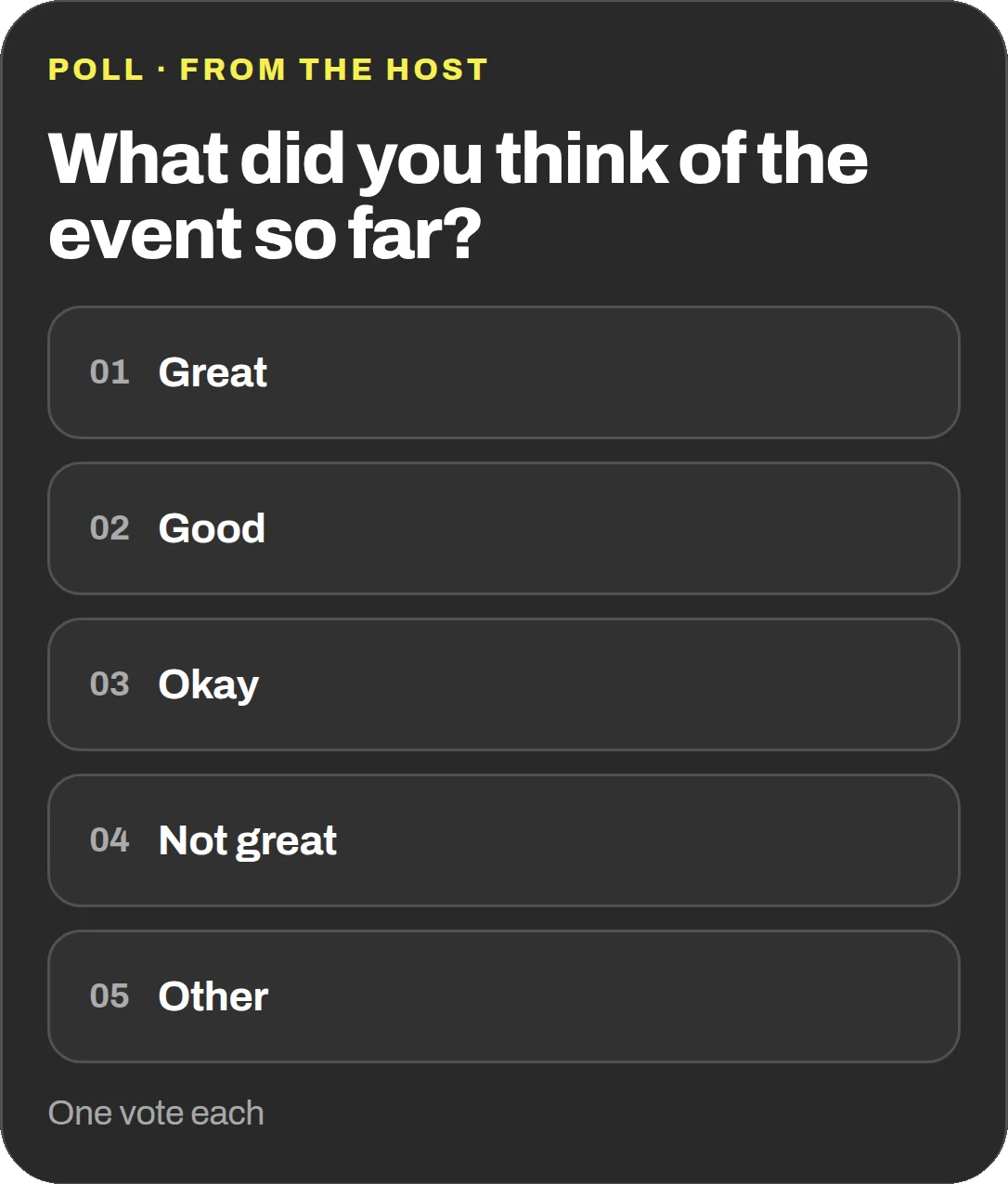
The answers to one vote, with the question asked and the next step
Poll answers stay in the workspace, ready for the debrief.

Your take

Three quick ones. Tap an answer to see how everyone else replied. We read every answer, it shapes what we build next.

1 of 3

Have you run a live poll at an event?

2 of 3

What would you let guests vote on at your next event?

3 of 3

What puts you off running a live poll?

What you wish this guide covered, what drives you mad about event photos, anything. Read by the people building MyWrap.

Steal this

Lines for the MC and the poll itself. Steal them and tweak the stakes.

For the MC launch

“Okay, you are in charge now. Open the album (same QR as the photos) and vote for the last song of the set. You have five minutes. Choose wisely.”

For the poll

“What should we pour next? 1. Spicy margarita 2. Espresso martini 3. Whatever Jamie is drinking”

For the result

“The votes are in, and it was close. Espresso martinis win by six. They are coming out now. Democracy works.”

Fair questions

Do guests need an app for live polls at events?

No. With MyWrap, polls sit inside the album guests already opened from the QR, and they answer in one tap in their browser.

How long should a live poll stay open?

Around five minutes during an event. Long enough for people to find it, short enough to keep the energy up.

What makes good live polls for events?

A result that changes what happens next: a song, a drink, a demo, a prize. Keep it to two or three options you are happy to act on.

What if the result is not the one I wanted?

Only include options you can live with. If the winner gets ignored, guests stop voting next time.

Can I run more than one poll?

Yes, but one big live moment beats several small ones. Save extra questions for the morning after, when people come back to the album.

Next up

See all guides