← All guides4Always on

Run every client
from one workspace

7 min readUses Team seats

The short version

  1. 1Name things for the person after you. Client, event, date. Every time, no exceptions, no in-jokes.
  2. 2Give each person the access their job needs. Owners, admins, members and client seats exist for a reason.
  3. 3The work belongs to the workspace. People come and go. The events and the audience stay put.

Five habits, for a calm agency

1Step 1 of 5

Name everything like you are handing it over tomorrow

With several clients in one workspace, names do the filing. Pick one pattern and never break it: Client, then event, then date. "Northwind / Shoreditch pop-up / 2026-06-14" is boring and findable. "Fun Friday v2 FINAL" is neither.

Dates in year-month-day order sort themselves. Client names first means everything for one client sits together without anyone building a folder system.

Agree the pattern in a team meeting, write it somewhere everyone sees, and rename the strays every Friday. Five minutes a week beats an afternoon of archaeology in December.
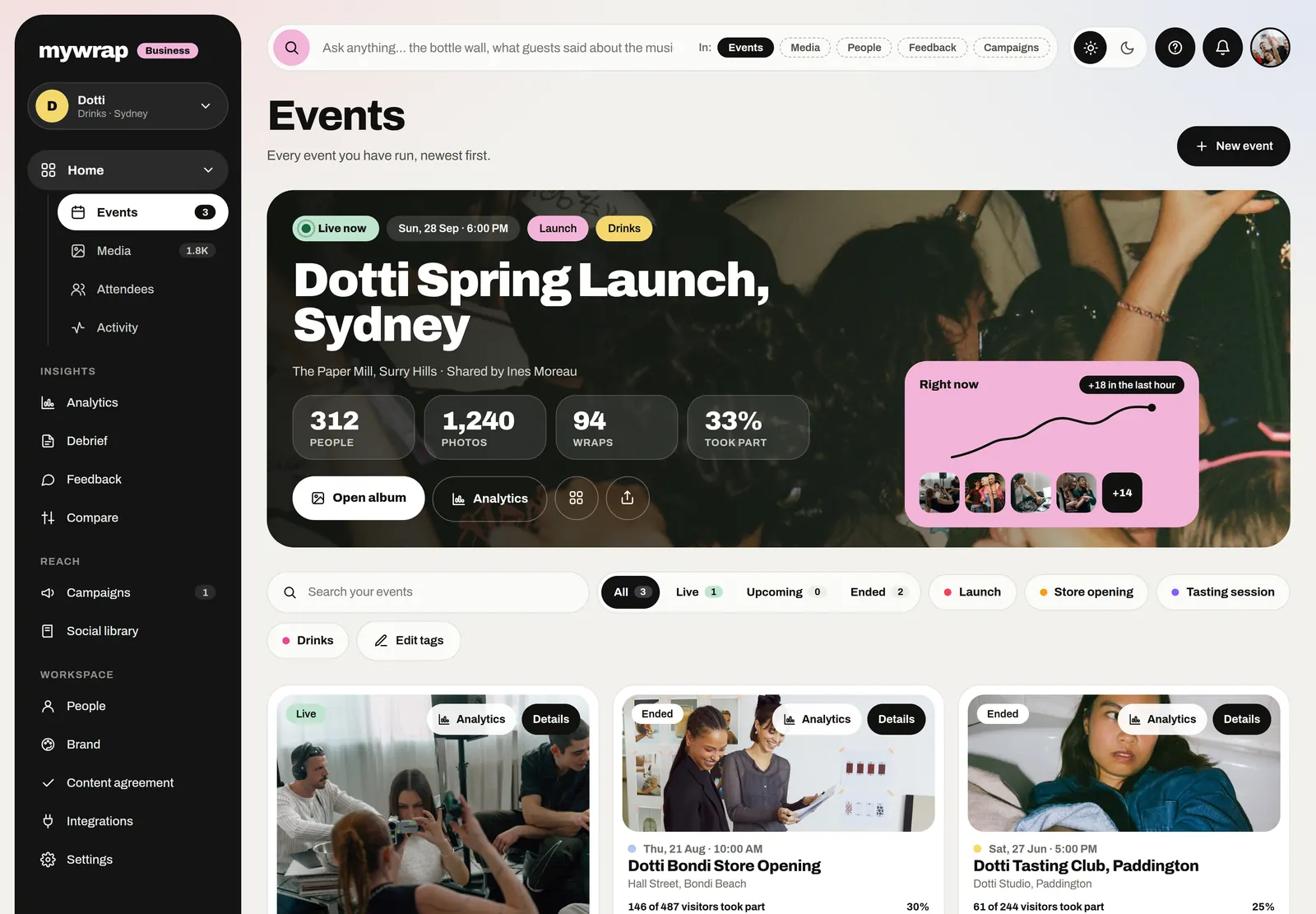
The Events page with the live Dotti Spring Launch card and its numbers
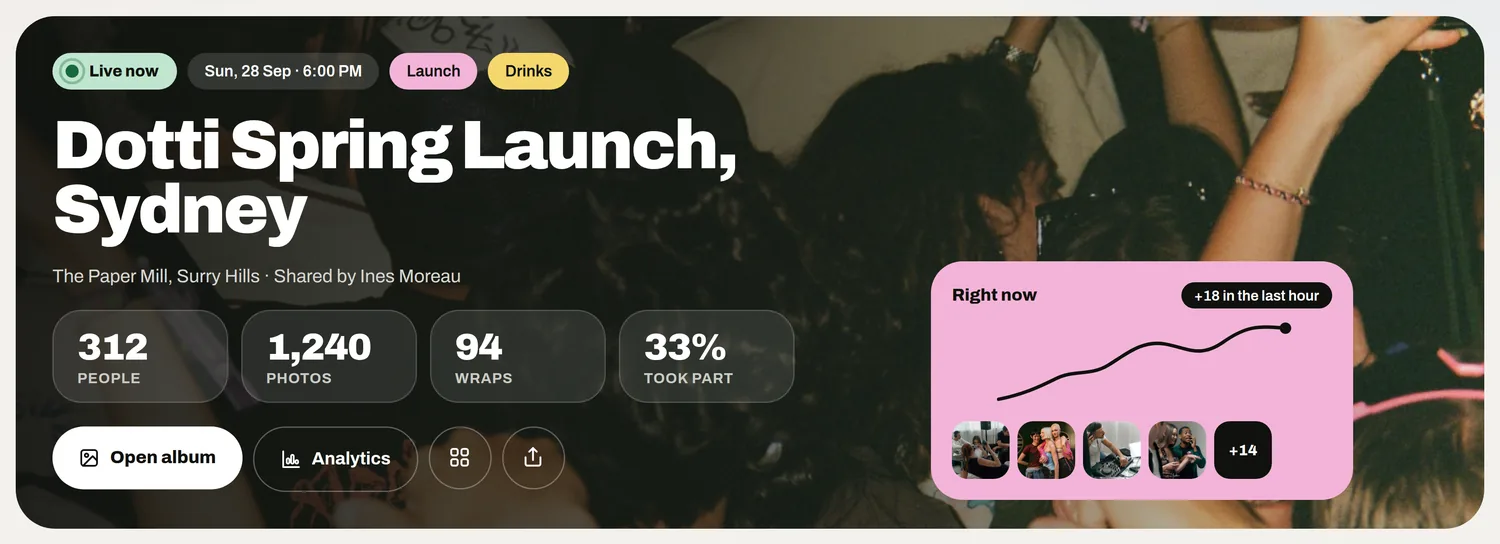
The live event card with its people, photos and the open album button
2Step 2 of 5

Set roles in your event agency software before the first brief

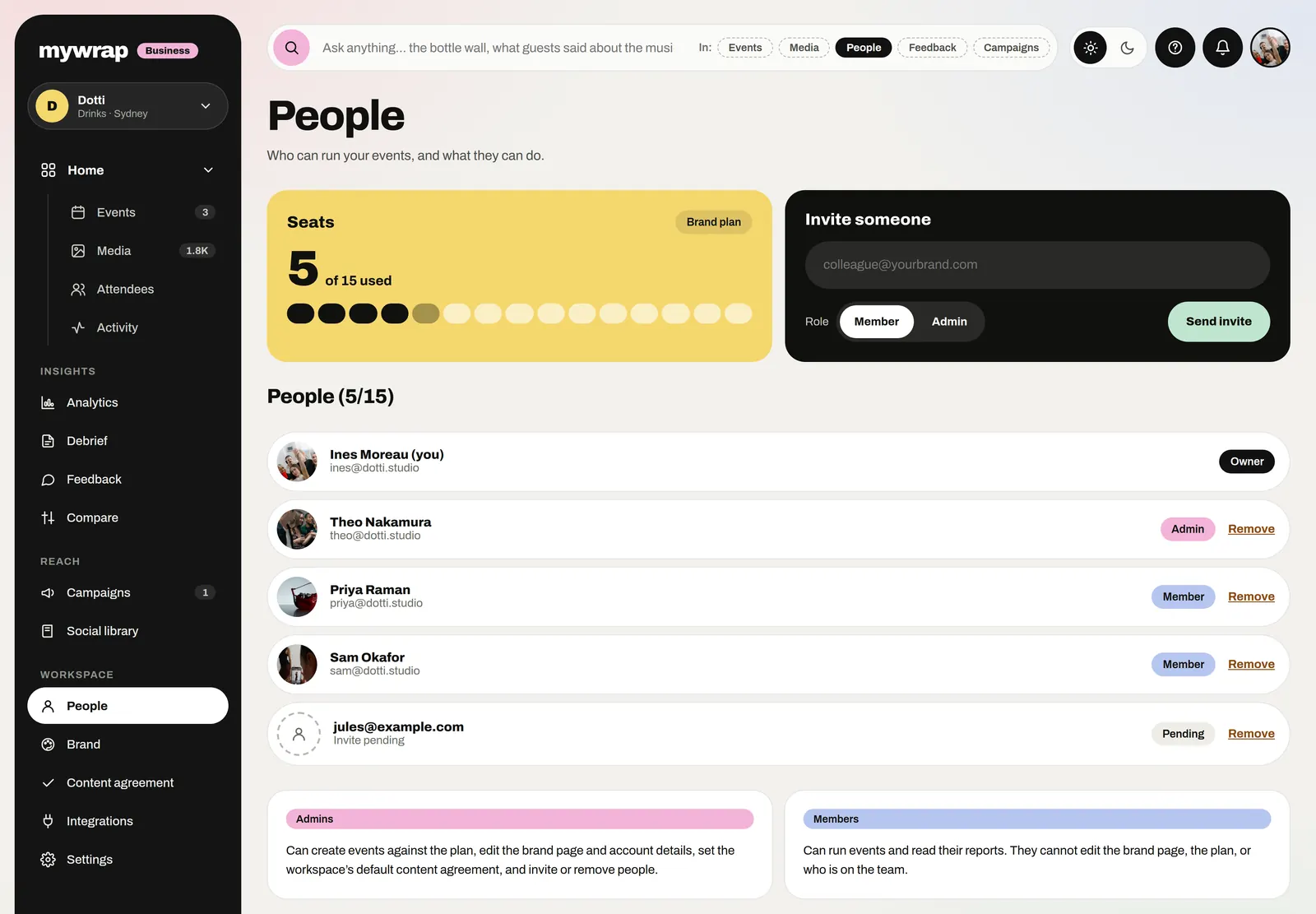
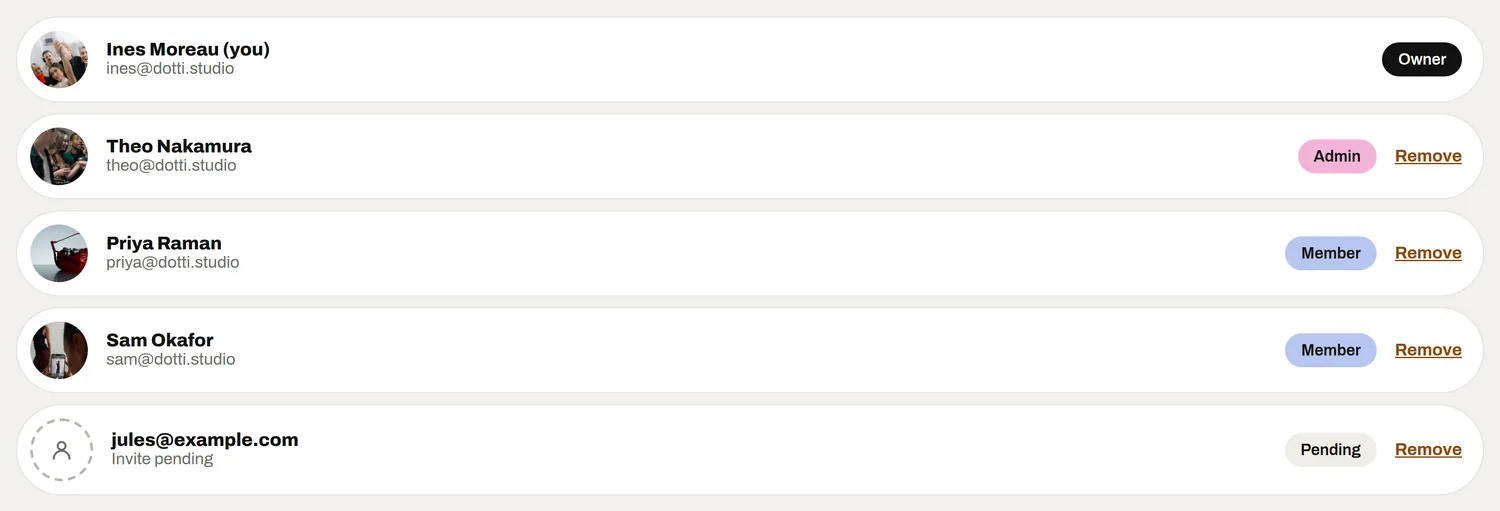
Every person gets their own login, never a shared one. Then give them the role their job actually needs: an owner who holds the workspace, admins who look after branding and invite people, members who run events and read the reports.

Keep the owner and admin list short. Most of the team only needs to run events and read results, and fewer people with wide access means fewer surprises.

Write down who owns what on each account: social, leads, feedback, the debrief. When a client asks a question, everyone knows whose inbox it lands in.

The People page with seats on the plan and each person’s role
The team list, each person with their own role
3Step 3 of 5

Invite clients on purpose

Client seats let a client log in and see their work with you. That is lovely when it is planned and awkward when it is not, so decide before each invite what the client needs: a login to watch their events, or just the debrief at the end.

Settle in the contract who owns the contacts collected at each event. That answer should shape who gets invited and when, not the other way round.

Invite the named person who will actually read the numbers. A shared client inbox as a seat defeats the point of individual logins.

4Step 4 of 5

Make the debrief the handover

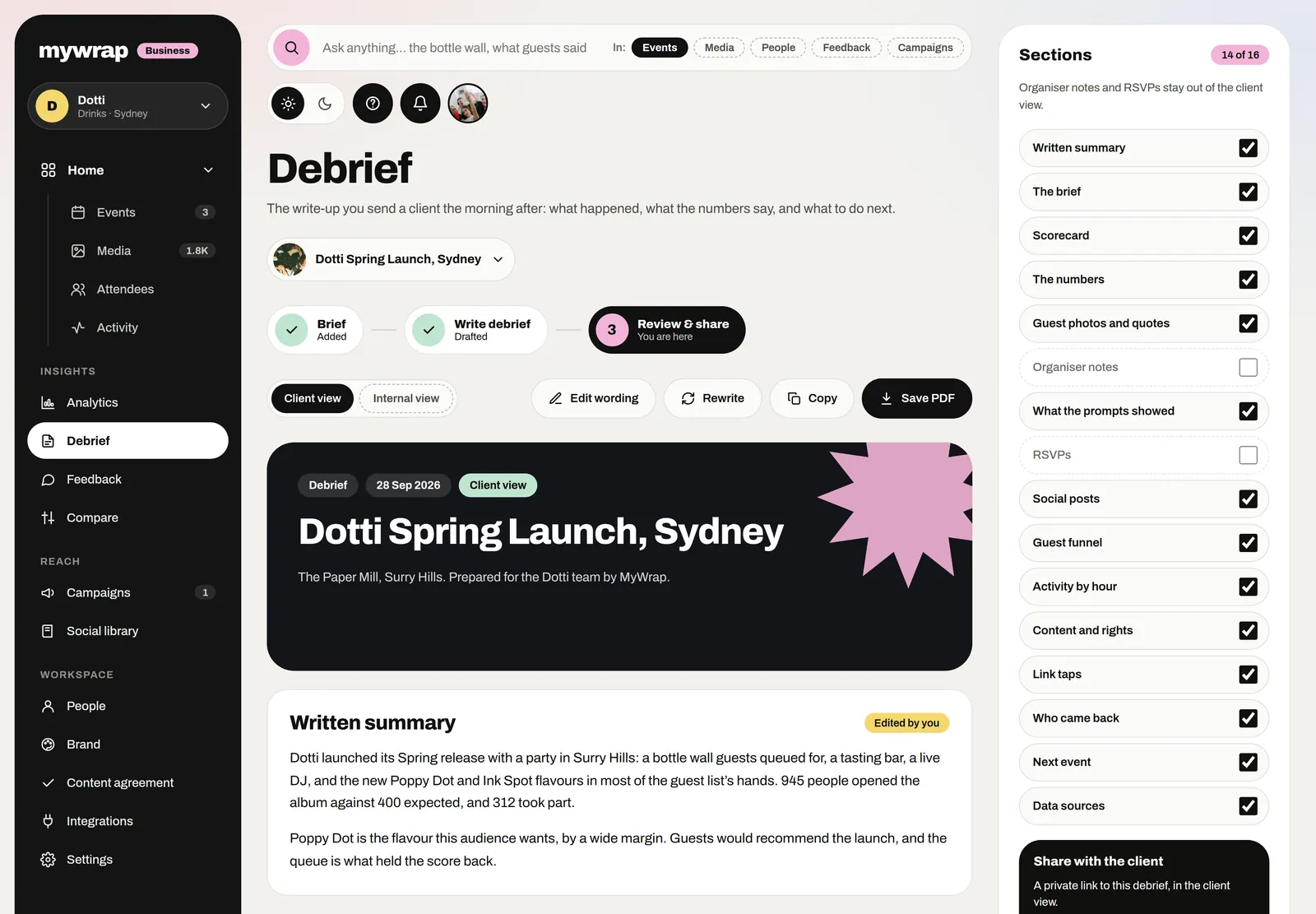
Clients pay for the activation and remember the report. Each event's debrief shares as a PDF, so the Monday deliverable is a file you send, not a deck someone builds over the weekend.

Use the same structure for every client: what happened, what worked, what changes next time. Clients start to trust a format they recognise, and your team stops reinventing the report each month.

Because the debriefs live in the same workspace, the account lead can stack this event against the last one before the review call.

The Debrief page, ready to review and save as a PDF
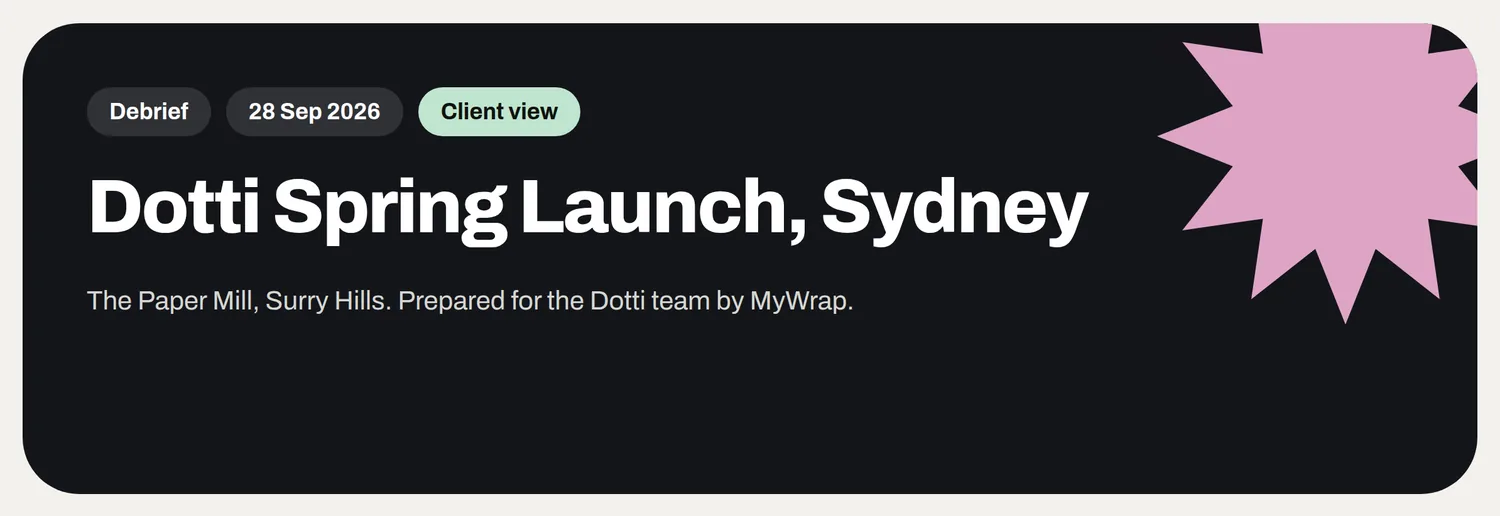
The debrief cover for Dotti Spring Launch, Sydney, prepared for the Dotti team
The debrief is the handover: one page the client keeps.
5Step 5 of 5

Offboard people without losing a thing

Every event belongs to the organisation, not to the person who set it up. When a producer moves on, take back their seat and everything they built stays in the workspace.

Do the same for clients. When a campaign ends or your contact changes jobs, remove the seat. Their events are still there for the next person on their side.

Make it a checklist item on every leaving list, right next to returning the laptop. Old seats are how former freelancers end up with access three projects later.

Your take

Three quick ones. Tap an answer to see how everyone else replied. We read every answer, it shapes what we build next.

1 of 3

How many clients' events does your team juggle at once?

2 of 3

Be honest: how are your event files named?

3 of 3

What hurts most when running events for several clients?

What you wish this guide covered, what drives you mad about event photos, anything. Read by the people building MyWrap.

Steal this

A naming rule, an invite and a leaving list. Paste them into your team wiki.

The naming rule

“Every event is named: Client / Event / YYYY-MM-DD. Example: Acme / Spring launch / 2026-04-18. No "final", no "v2", no nicknames.”

Inviting a client

“Hi [name], I have added you to our workspace so you can follow [event] as it happens. Your login is just for you. The full debrief lands as a PDF on [day].”

The leaving checklist

“1. Hand over their live events to a named teammate. 2. Remove their seat. 3. Check any client seats they managed. 4. Tell the client who their new contact is.”

Fair questions

What is event agency software?

Software that lets an event or experiential agency run activations for several clients from one place, with the right access for each person and a report the client can keep. The test is whether a client's work survives your team changing.

Can an agency run several clients from one workspace?

Yes. Agencies can run several clients from one MyWrap workspace. A firm naming pattern (client, event, date) keeps it tidy as the list grows.

Can clients log in to see their events?

Yes, with a client seat. Decide before inviting them what they need to see, and agree in the contract who owns the contacts collected at their events.

What happens when a producer leaves the agency?

Nothing is lost. Every event belongs to the organisation, so when you remove their seat, everything they set up stays in the workspace.

What is the difference between owners, admins and members?

The owner holds the workspace. Admins look after branding and invite people. Members run events and read the reports. Give each person the narrowest role that lets them do their job.

Next up

See all guides