For brands and agencies
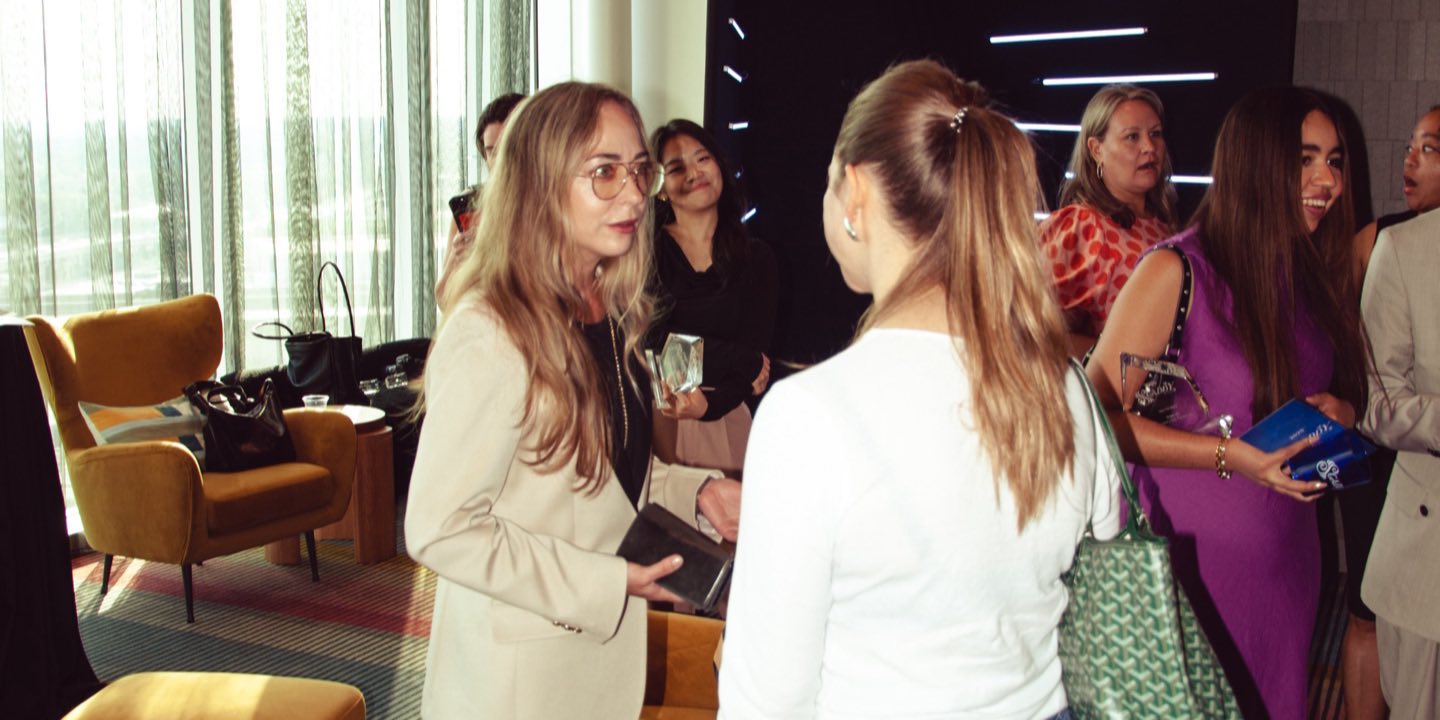
List an event or invite creators yourself with a brief: what you want posted, what creators get, and whether their posts can be used in your marketing. Start with people who already came to your events and have an audience.
Accepted creators get a pass and land on the guest list, so the door scans them like any guest. Afterwards every post, its reach and the link taps sit per creator in your debrief, and posts cleared for marketing land in your Social Library.

For creators
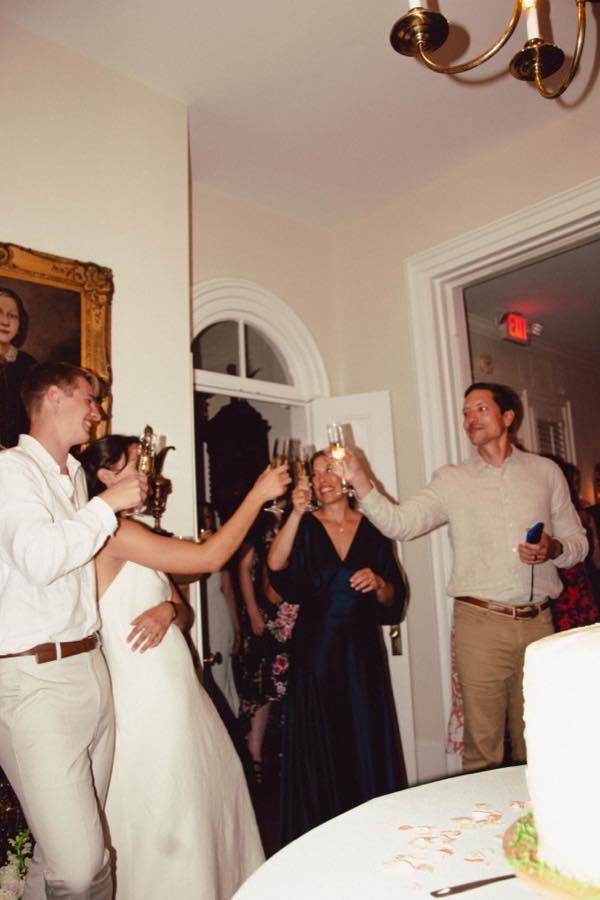
Join with your email and confirm Instagram or TikTok by signing in there, so brands see your real numbers. Pick what you want to be asked to: paid events, gifting, launches and plus ones.
Every invite shows the perks, the asks and how your content gets used, up front. Post the way you normally would and the posts are counted for you. Free for creators.
Checked on both sides
MyWrap approves every creator and every brand. Brands confirm with a code to an email at their own domain. Creators confirm their accounts by signing in on the platform, so follower counts and reach come from the accounts themselves.
Plans
Creator connect comes with the Starter plan, $99 a month, and up. MyWrap for Business is the event workspace brands and agencies run their events from. Guests open one branded link or QR code to add photos, videos and voice notes, answer a poll or a quiz, or enter a raffle, with no app and no account. Afterwards the workspace shows what the event returned: insights, a written debrief, campaigns and social listening, the social library, opted-in contacts with their consent wording, and follow-up drafts for each guest. See the plans.
How a brand runs an event
One workspace runs the album, the event and the audience record it leaves behind.
Open a workspace
Sign in with a work email, add the brand name and links, then review the logo, colors, writing voice and public brand page before saving them.
Set up the event
Add the event name, date and location. Choose upload limits, visibility, an optional entry code and the upload terms guests should see.
Guests join with one link
Share the direct link and QR code. Guests open the branded album in a phone browser, then add photos, answer prompts or take a quiz without creating an account.
Give guests a reason to take part
Seed the album, add a clear prompt and place the QR code where people pause. Add a quiz, poll, rating, raffle or sign-up only when it supports the event goal.
Review what happened
After the event, review the media, quiz and poll answers, opt-ins and link results. Build the official recap, edit the social pack and export the report or contact list.
MyWrap for Business at a glance
- Who it is for
- Teams running brand activations, festivals, conferences, store openings, venue events and community gatherings.
- What guests install
- Nothing. The album opens in a phone browser, and no account is needed to add photos, take a quiz or answer a prompt.
- Price
- Brand Event $69 one-time, covering one event with up to 800 participants. Brand $249 per month or $2,490 per year, unlimited events and unlimited participants per event. Enterprise is custom.
- What a participant is
- A distinct person who uploaded, answered a quiz, poll or prompt, entered a raffle, or marked themselves as there. A page view alone does not count as participation.
- The CRM
- Participant records across the events in your workspace, including uploads, quiz and poll answers, sign-up status and lifecycle stage. Contact details appear only when someone provides them.
- Upload terms
- Your terms can appear before a guest’s first upload. MyWrap records the version shown and the contributor’s agreement.
- Branding
- Your logo and accent colour on the album guests open, a saved brand kit on the Brand plan, and a public page at mywrap.app/b/yourbrand. White label is scoped on Enterprise.
- Who can run it
- Teams can share a workspace as owner, admin or member, with up to 5 team seats on Brand and 100 on Enterprise. The plan and event records belong to the organization.
Frequently asked questions
Is Creator connect free for creators?
Yes. Creators join free and are never charged.
How are creators checked?
Creators confirm Instagram or TikTok by signing in on the platform, and MyWrap looks at every profile before any brand can see it.
How are posts found?
From the creator’s own connected account during the event, matched to the brand’s tag, plus any post link added by hand.
Can a brand use the posts?
Only when the brief says so up front and the creator agrees when they accept. Those posts land cleared in the brand’s Social Library.
What is MyWrap?
MyWrap is the post-event wrap up tool for brands, agencies and event organizers. It shows what an event did: who came, what they posted and said, how they felt and which contacts opted in, written up as a client-ready debrief. Guests take part from one link or QR code with no app, adding their photos, videos and feedback to the album.
See what your next event leaves behind
Guest photos, answers, contacts and a written debrief, all from one link on the wall.