How do I share my event link and QR code?
Every event page has one link and one QR code. Print the code where guests can see it, and send the link in your invites or group chat.

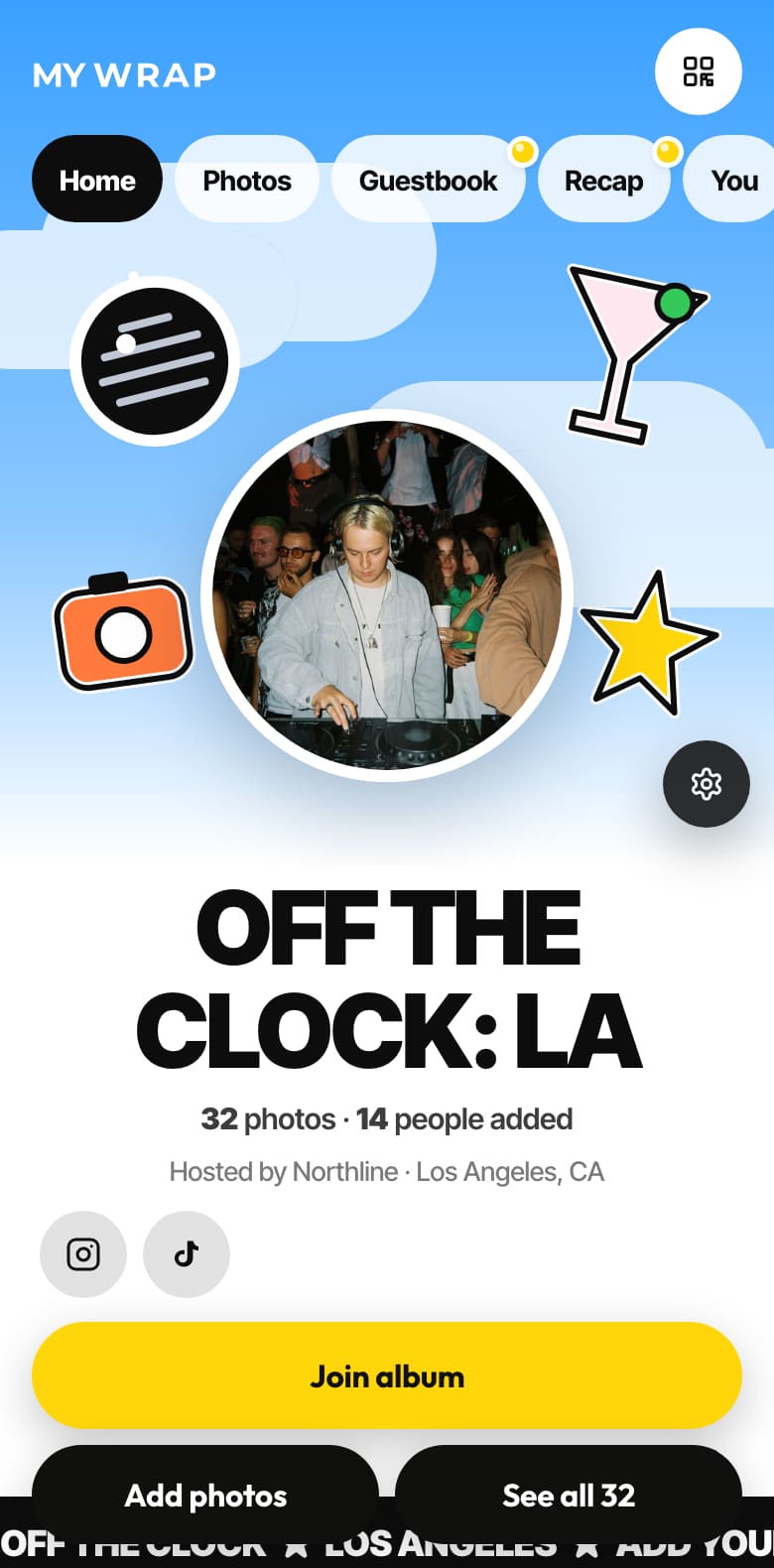
Where to find them
Open the event in your workspace to copy its link or download its QR code to print.
Where to put the code
At the entrance, on the bar, on table cards and on the screen between talks. Guests scan it with their phone camera.
Questions
Does the link change if I edit the event?
No. The link and the code stay the same.
Can guests open it on a laptop?
Yes. The same link opens on any computer.
Did this help?
Still need help?
Someone on the MyWrap team writes back.