How do guests join an event page?
They scan your QR code or tap your link. It opens in their phone's browser, with no app and no account.

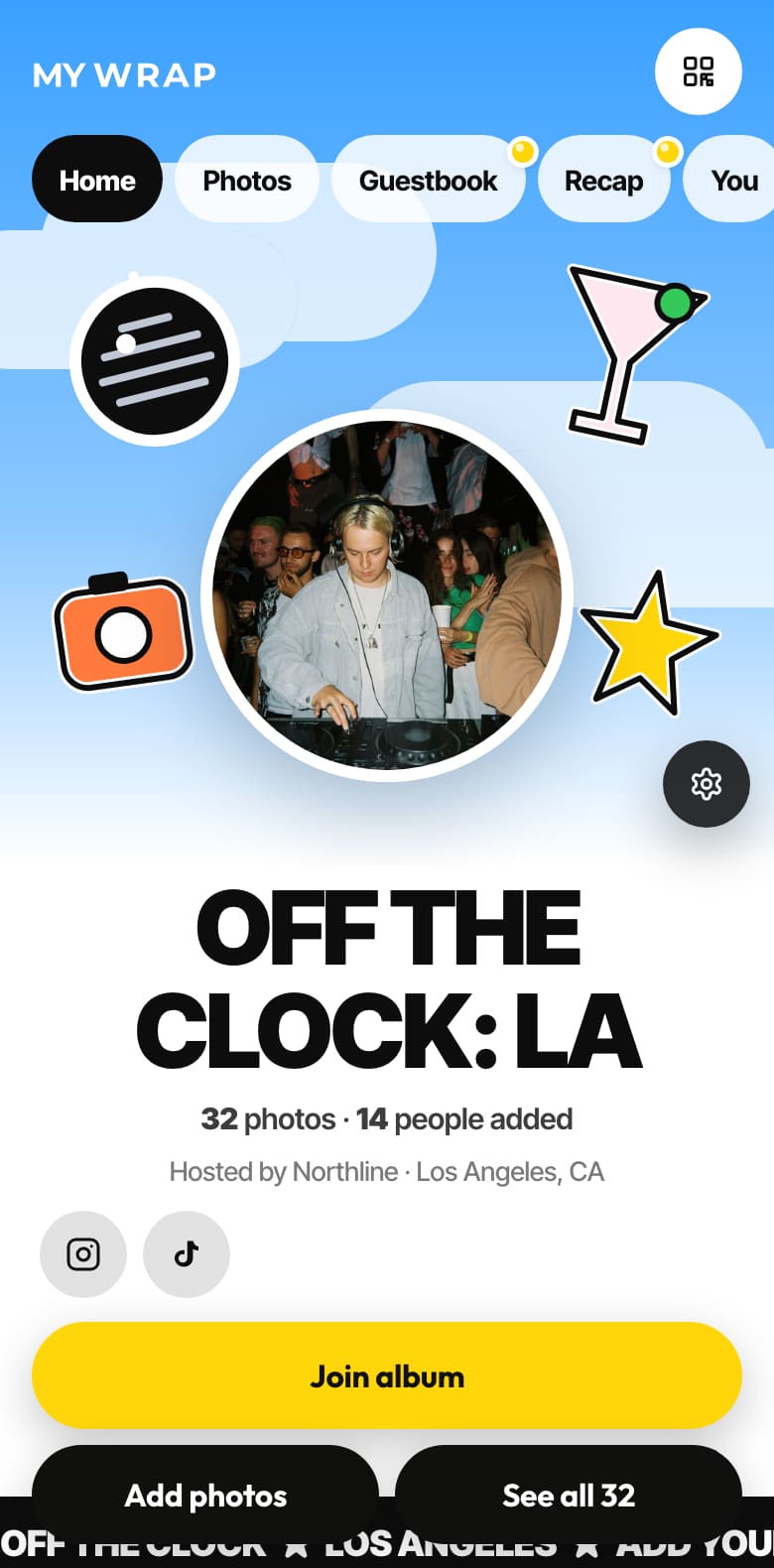
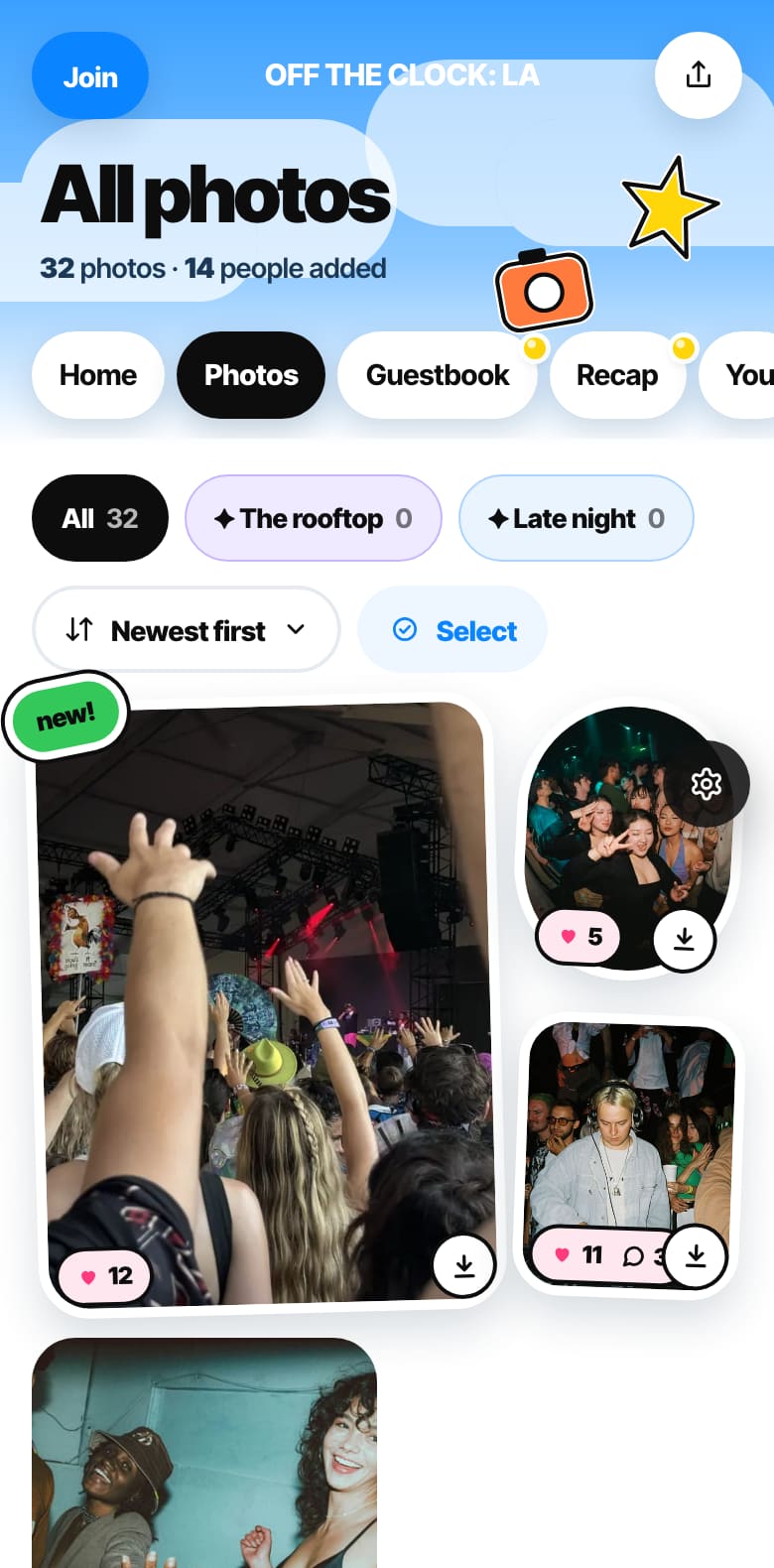
Three steps
- Scan or tapAny phone camera reads the QR code, on iPhone or Android.
- They're inNo name or RSVP needed, unless you ask for one.
- Add somethingPhotos, videos, a guestbook note or an answer to your poll.
Want more control?
In your event's settings you can ask guests for their name, add a 4 digit entry code, or turn on RSVP so guests answer Going, Maybe or Can't make it.
Questions
Do guests need an app?
No. The page opens in Safari, Chrome or any phone browser.
Do guests need an account?
No. Not to join, and not to save photos.
Can I keep strangers out?
Yes. Add an entry code and share it only with your guests.
Did this help?
Still need help?
Someone on the MyWrap team writes back.