How do I create my first event page?
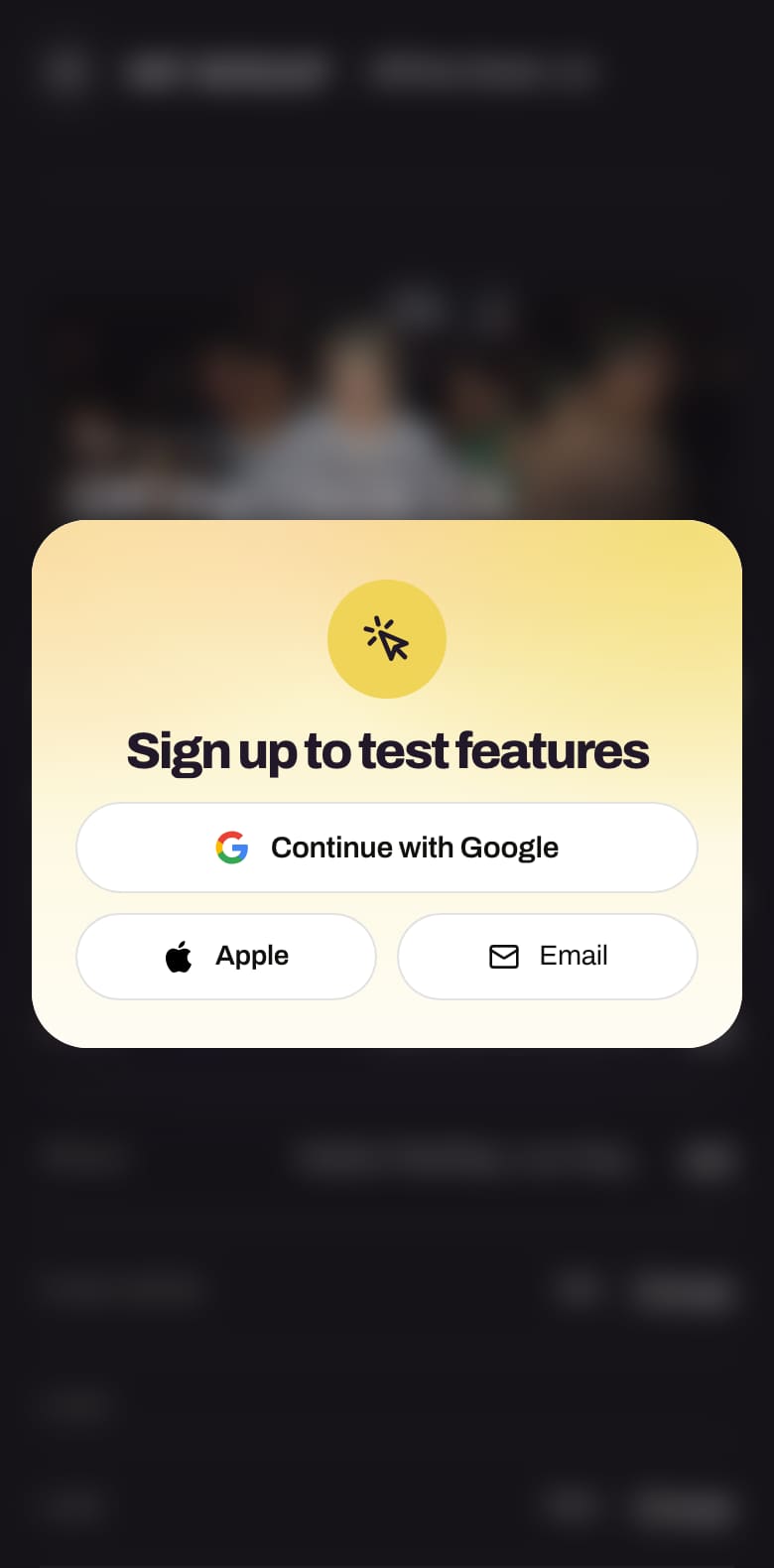
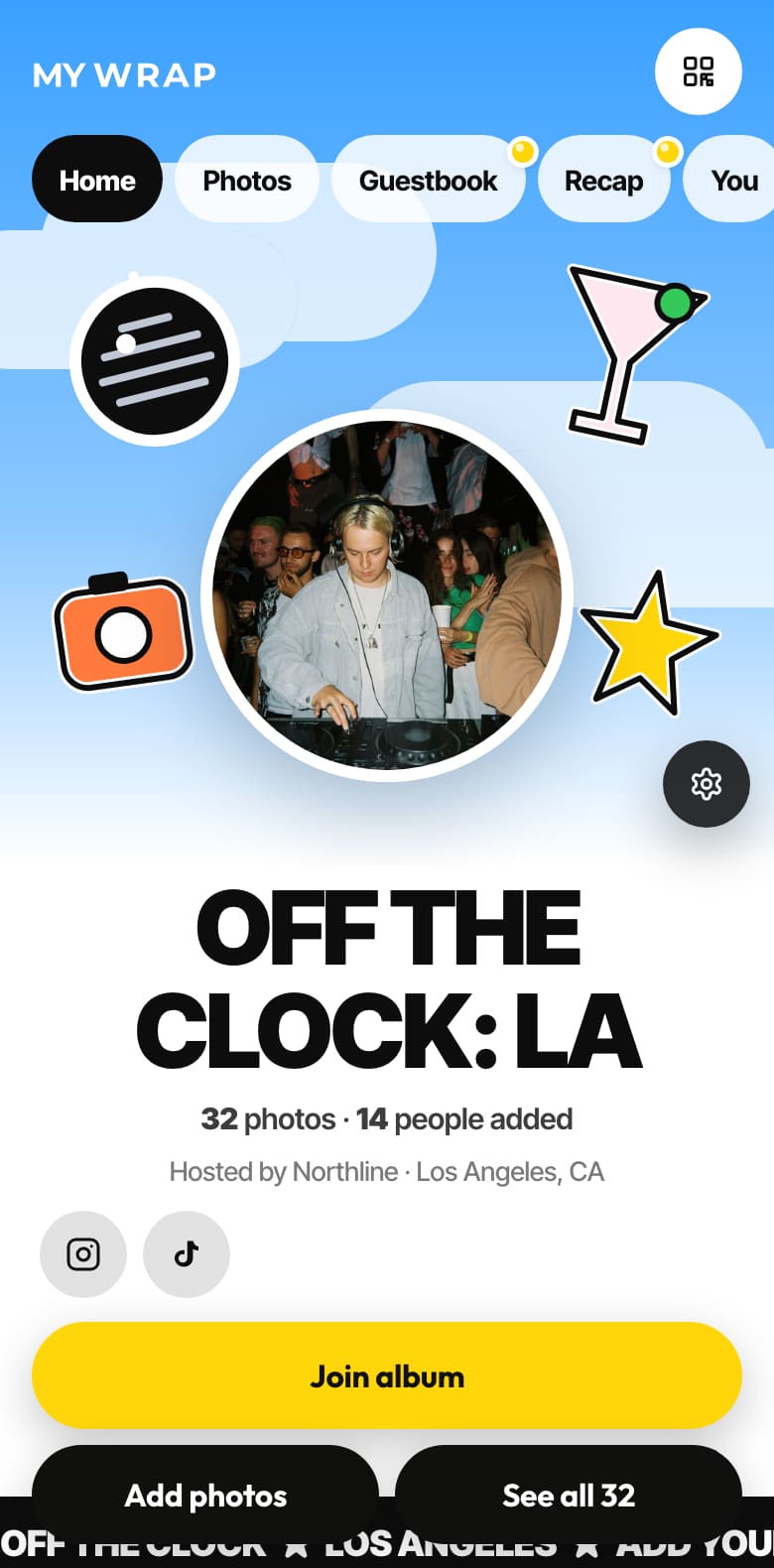
Open your workspace, tap New event, and follow the steps: pick a look, add the details, choose how guests take part. You get a link and a QR code at the end.
The steps
- Pick a lookIt styles the whole page and its recap. You can change it later.
- Add the detailsName, dates and place. Paste a Partiful, Luma, Eventbrite or Posh link to fill them in.
- Choose how guests take partPhotos per guest, the guestbook, the recap, prompts and an entry code. Skip any of it.
- Share itCopy the link or download the QR code.
Questions
Can I change things after guests join?
Yes. Everything stays editable in the event's settings.
Is it free?
A free event takes unlimited guests and 2 GB of photos and videos. See the plans.
Did this help?
Still need help?
Someone on the MyWrap team writes back.