How do I change the look of my event page?
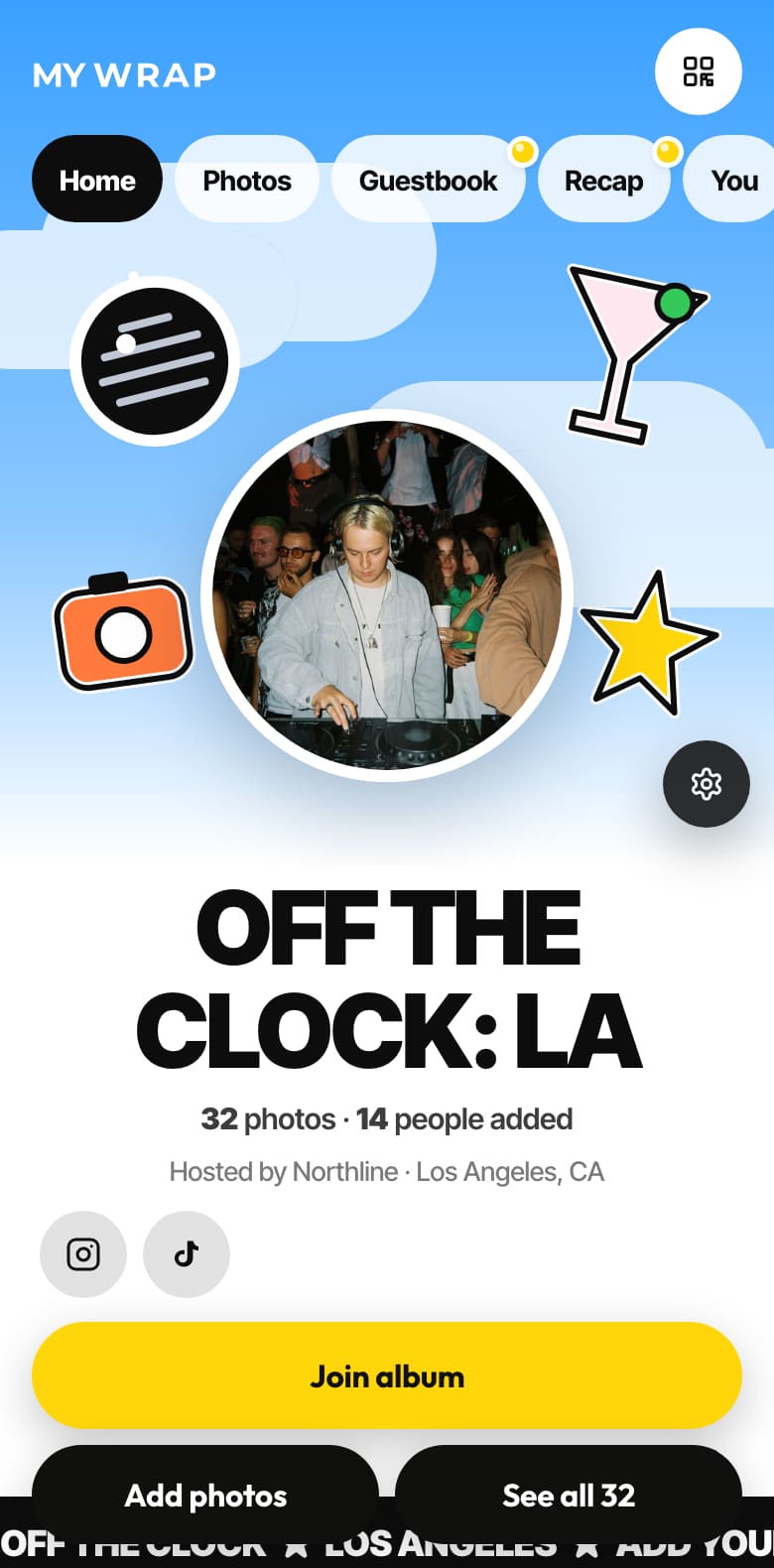
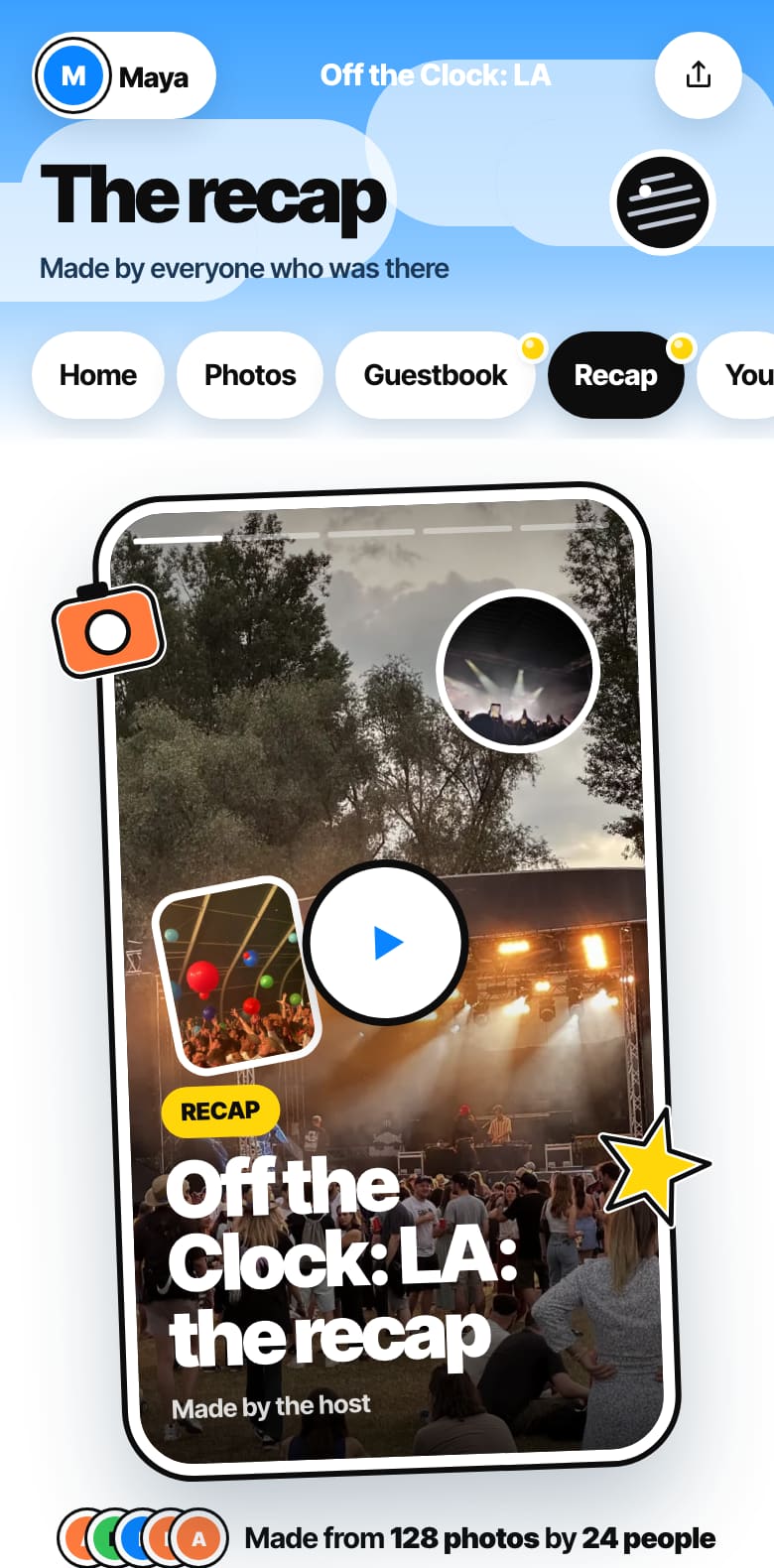
Open the event, go to its look, and pick another one. The whole page changes, and so does its recap.
What a look changes
The colours, the type, the shapes and the way photos sit on the page. The recap guests open afterwards uses the same look.
Your own colour
On paid plans, set an accent colour so the page matches your brand.
Questions
Can I change the look after the event?
Yes. Guests see the new look the next time they open the page.
How many looks are there?
Over 100, from quiet to loud.
Did this help?
Still need help?
Someone on the MyWrap team writes back.