← All guides4Always on

Find what people posted
about your event

7 min readUses Social listening

The short version

  1. 1Set the net before doors open. One hashtag, the handles people will tag, the creators you invited.
  2. 2Comments beat likes. A like is a thumb. A comment is an opinion you can quote.
  3. 3Say which numbers are guesses. Reach is an estimate. Label it, and the rest of your report stays credible.

Five moves, before and after

1Step 1 of 5

Pick one hashtag and print it everywhere

One short, unusual hashtag beats a family of five. Search it first to make sure a football club or a wedding has not already claimed it, then put it on every QR sign and the album page.

Guests copy what is in front of them. If the hashtag is on the sign by the bar, it ends up in captions. If it only lives in the press release, it ends up nowhere.

Keep your brand's usual hashtag as a second term if people already use it. Do not invent a new one for every activation unless you enjoy tracking twelve of them.
2Step 2 of 5

List the handles and creators before the day

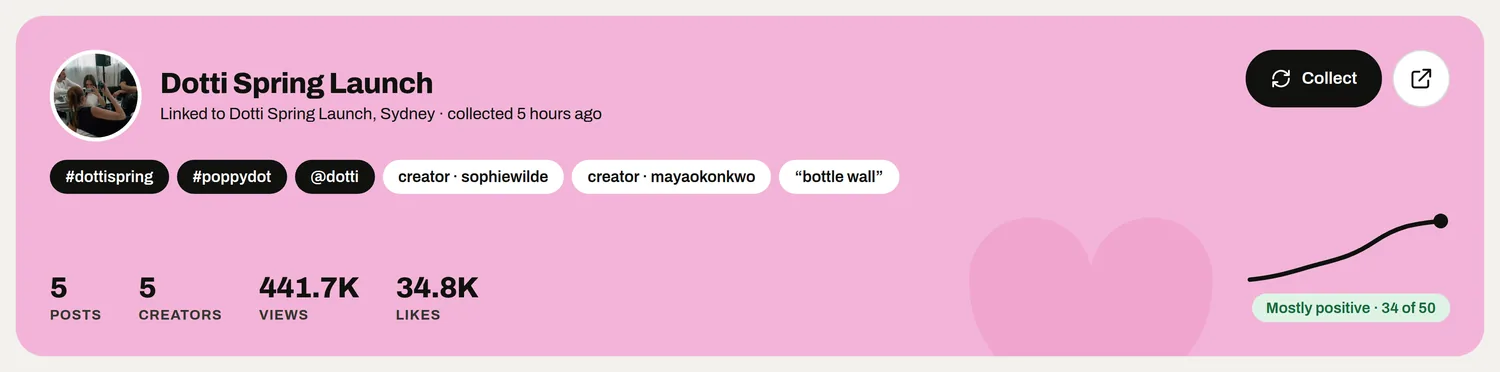
Tell MyWrap the handles and tags that matter: your brand account, the venue, the sponsor, the headline act. Guests tag whoever is on the sign, so make sure the sign carries the handles you want to find.

Add every creator you invited or paid. Creators often skip the event hashtag for their own style, so their posts are easiest to find by who posted them, not by what they tagged.

Add the event name as people actually say it, plus the inevitable misspelling. Then stop. Every extra keyword drags in posts about something else.

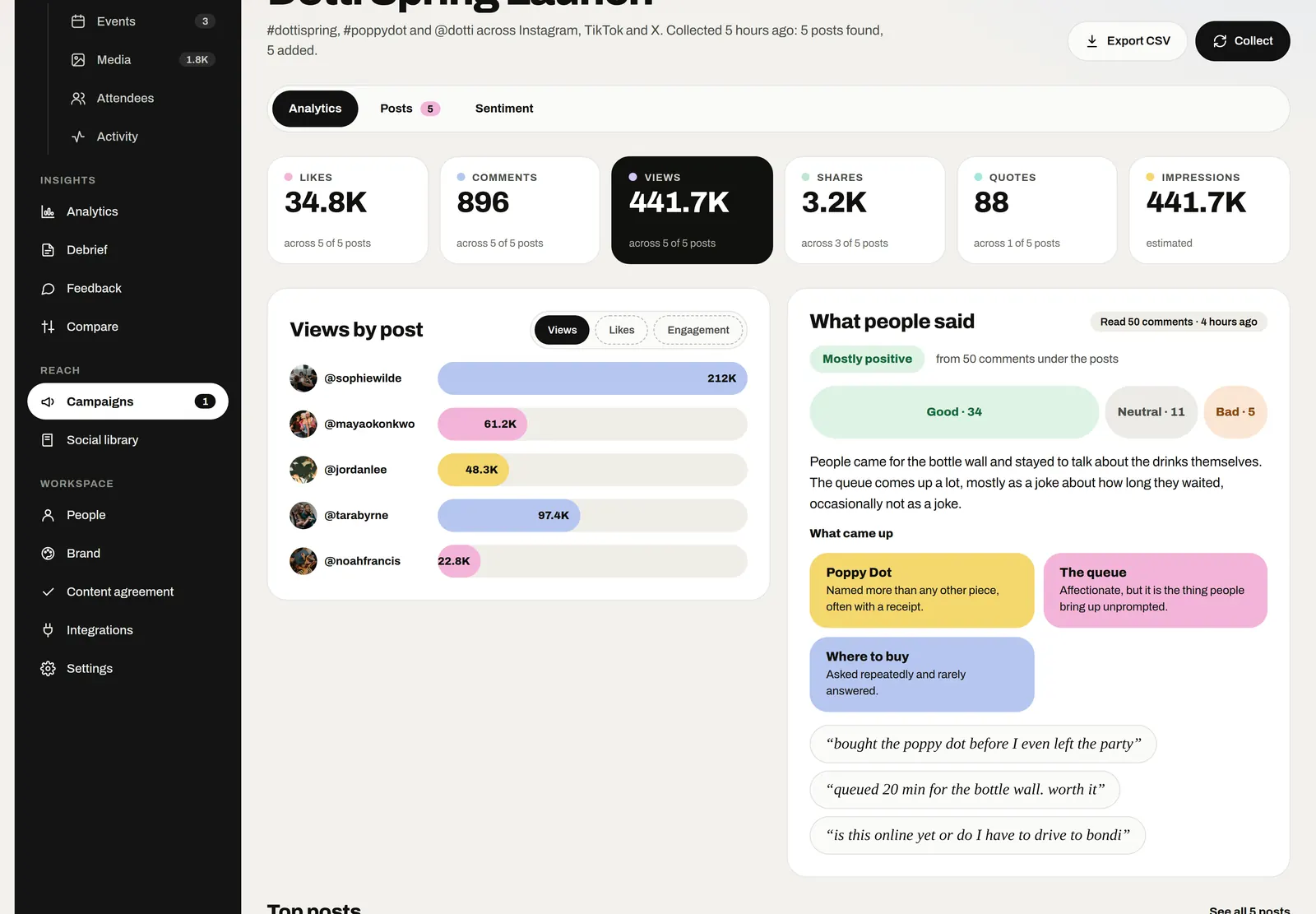
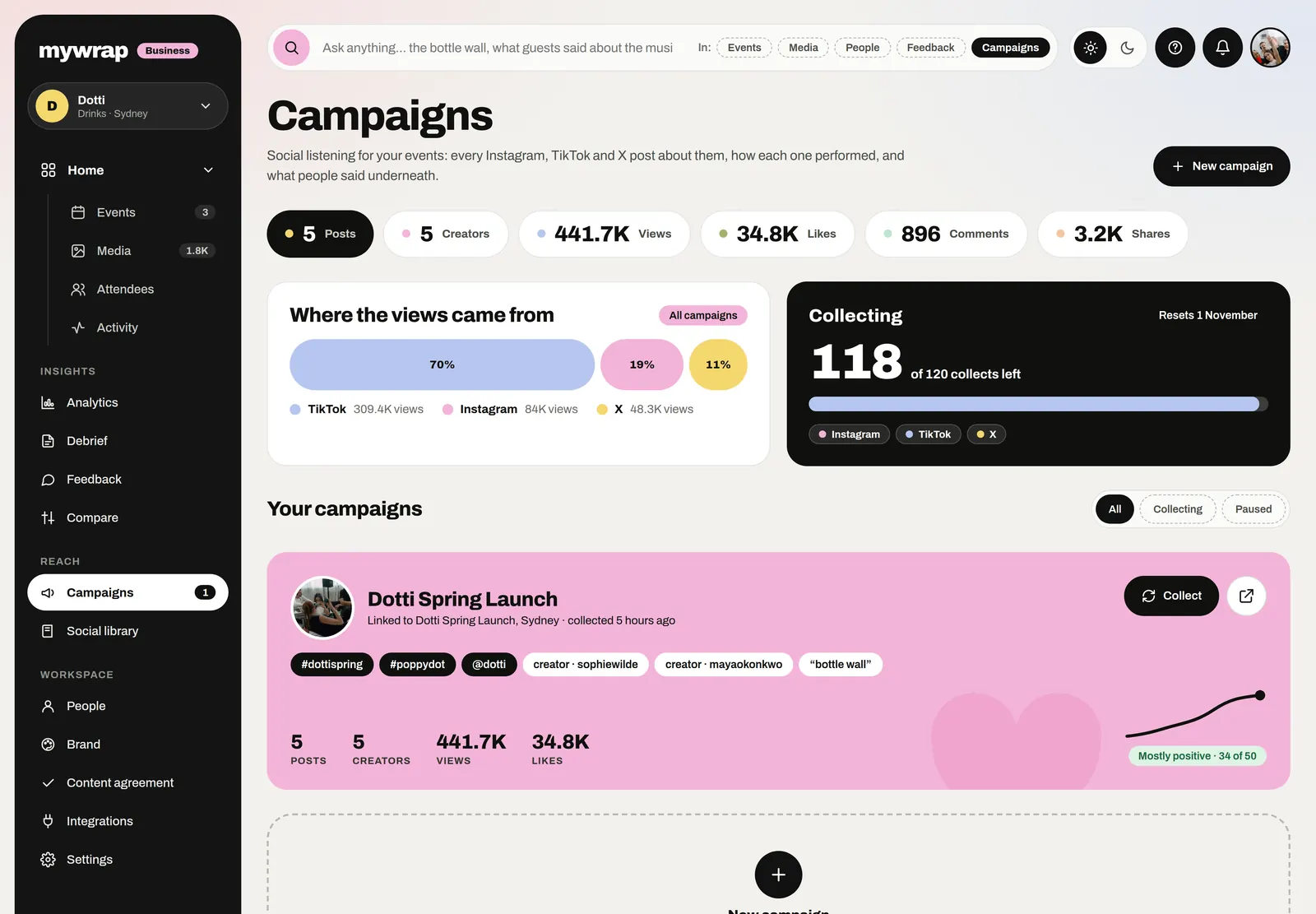
The Campaigns page, listening for posts about the brand’s events
The Dotti Spring Launch campaign with its hashtags, handles and creators
Handles, creators and the name people actually say.
3Step 3 of 5

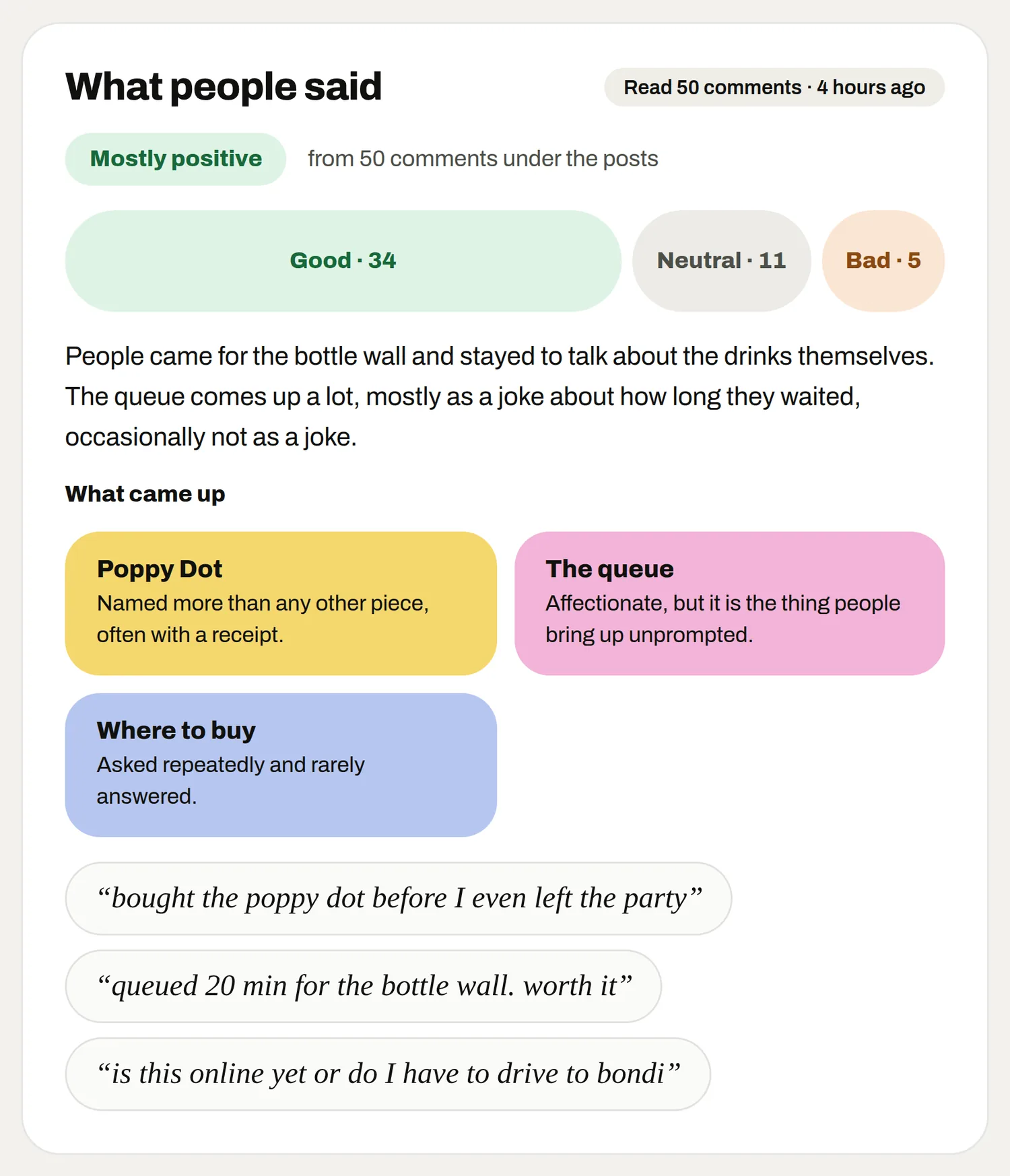
Do social listening for events by reading the comments

MyWrap rounds up the posts, videos and mentions across TikTok, Instagram and X into one feed. The likes tell you something travelled. The comments under the top posts tell you how people felt about it.

Those comments are read as positive, neutral or negative, with the quotes kept word for word. Read the real quotes yourself, at least for the top handful of posts. "Where do I get one" and "why was the queue an hour" are both gold, for very different reasons.

Look for the surprises. The bit you spent the least on is often the bit people posted most, and that is worth knowing before you plan the next one.

A campaign page with views by post and what people said
What people said: comments read and grouped, with the guests’ own words
Posts and comments about your event, in one feed.
4Step 4 of 5

Reply to the people who posted

Listening is not just research, it is a list of people who liked you enough to post. Thank them in the comments, especially the small accounts. A reply from the brand is a big deal when you have 400 followers.

If you want to reshare a guest's post on your own account, ask first in a DM. A public post is not the same as permission, and asking politely usually gets a delighted yes.

Point anyone who posted towards the album so they can find the photos your team took of them and add their own. It turns a one-off post into a contributor.

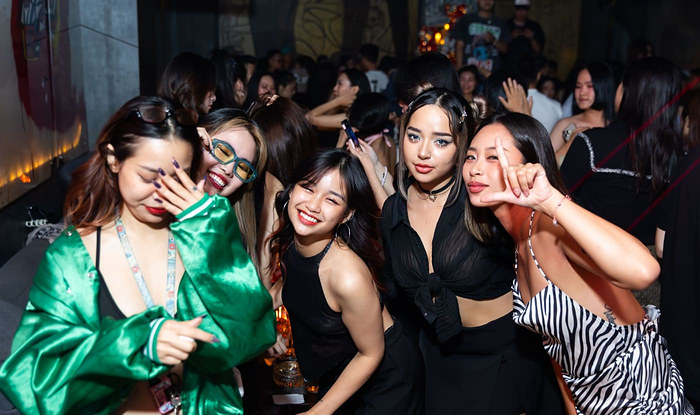
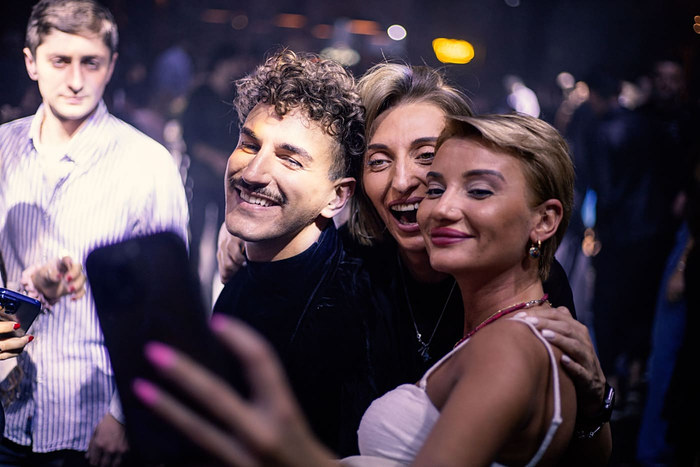
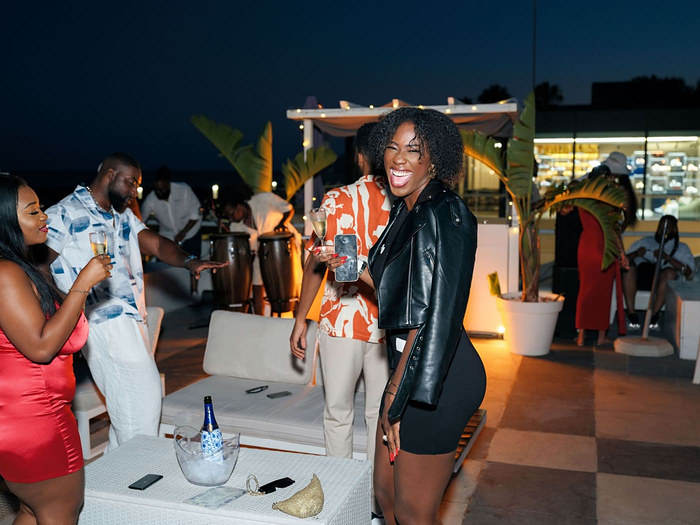
Friends posing together on a night outThree friends taking a selfieFriends laughing into a selfie
People who posted liked you enough to say so.
5Step 5 of 5

Bring it into the event report

The vibe sits right next to your event report, so use it there. Sentiment and a few real quotes add the part numbers alone cannot: what people actually thought.

Reach is how far the event travelled online, and it comes labelled as an estimate. Keep that label when you copy it into anything. One overconfident reach number can make the whole report look padded.

Keep the window open for about a week after. Recap posts, vlogs and "photo dump" carousels trail behind the event, and some of the best ones arrive on day five.

Your take

Three quick ones. Tap an answer to see how everyone else replied. We read every answer, it shapes what we build next.

1 of 3

How do you find what guests posted after an event?

2 of 3

Which do you actually read on event posts?

3 of 3

What frustrates you most about finding event posts?

What you wish this guide covered, what drives you mad about event photos, anything. Read by the people building MyWrap.

Steal this

For the sign, the comments and the DMs. Make them yours.

For the QR sign

“Posting this? Tag @[brand] and #[hashtag]. Then scan to find your photos from the event, and add yours here.”

Replying to a guest's post

“This is such a good shot. Thank you for coming! If you have more, the album is open: [link]”

Asking to reshare

“Hi [name], we loved your post from [event]. Would you be happy for us to share it on our account, with credit to you? Totally fine if not.”

Fair questions

What is social listening for events?

It means collecting the public posts about one event within a set window, then reading the comments to learn how it landed. Events have dates and a hashtag, which makes the job small enough to do properly.

Which platforms does MyWrap listen on?

TikTok, Instagram and X. Posts, videos and mentions come into one feed, with sentiment from the comments under the top posts.

How long should I keep listening after the event?

About a week. Teaser posts start a day or two before, and recap videos and photo dumps keep arriving for several days after.

Are the reach numbers exact?

No, and they are labelled as estimates. Report them that way and keep them separate from things you counted, like guests who took part.

Do I need an event hashtag?

It helps a lot. Without one you are relying on tags and keywords, which catch less. One short hashtag on every sign is the easiest listening win there is.

Next up

See all guides