How do guests add photos, videos and voice notes?
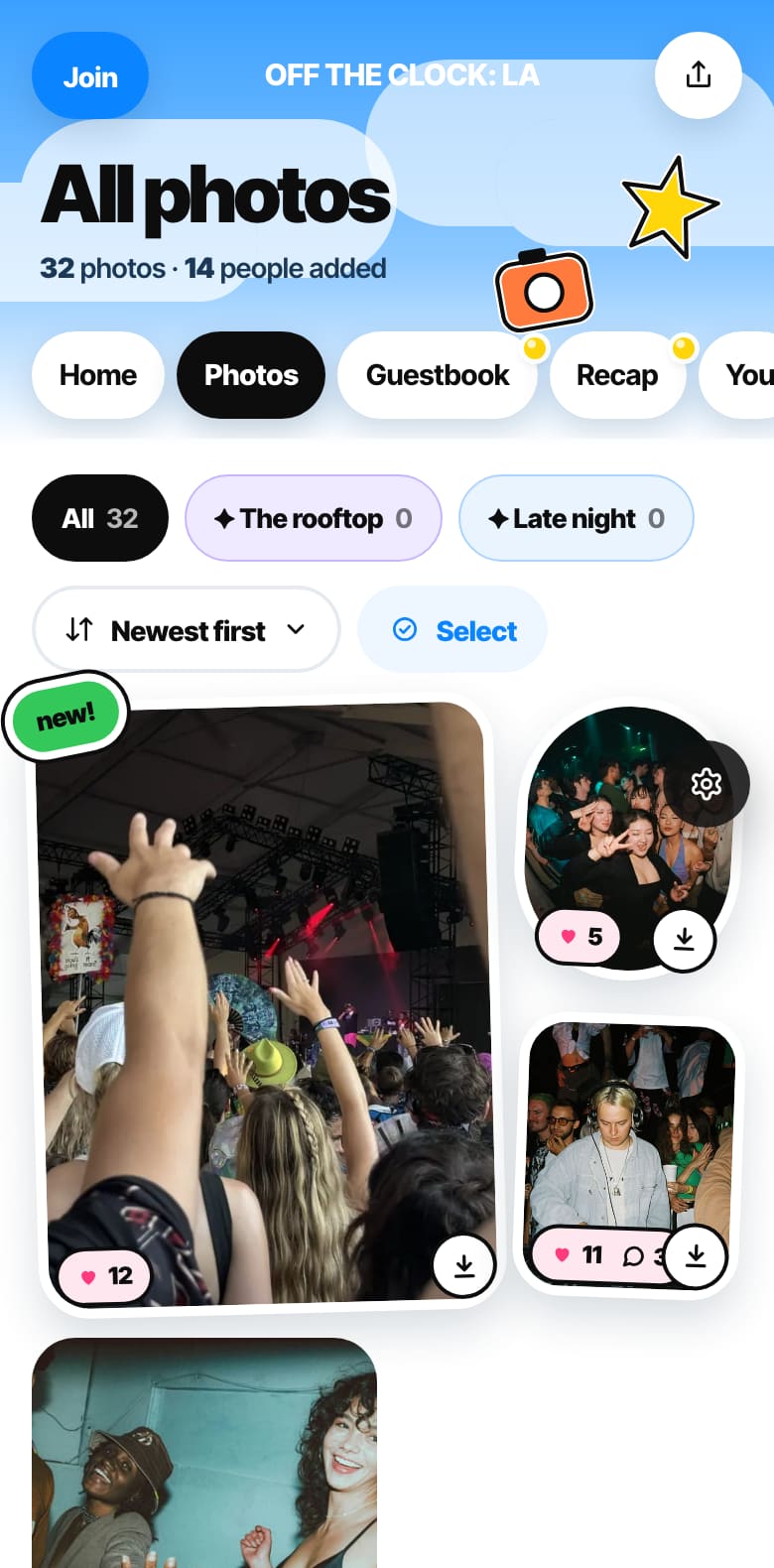
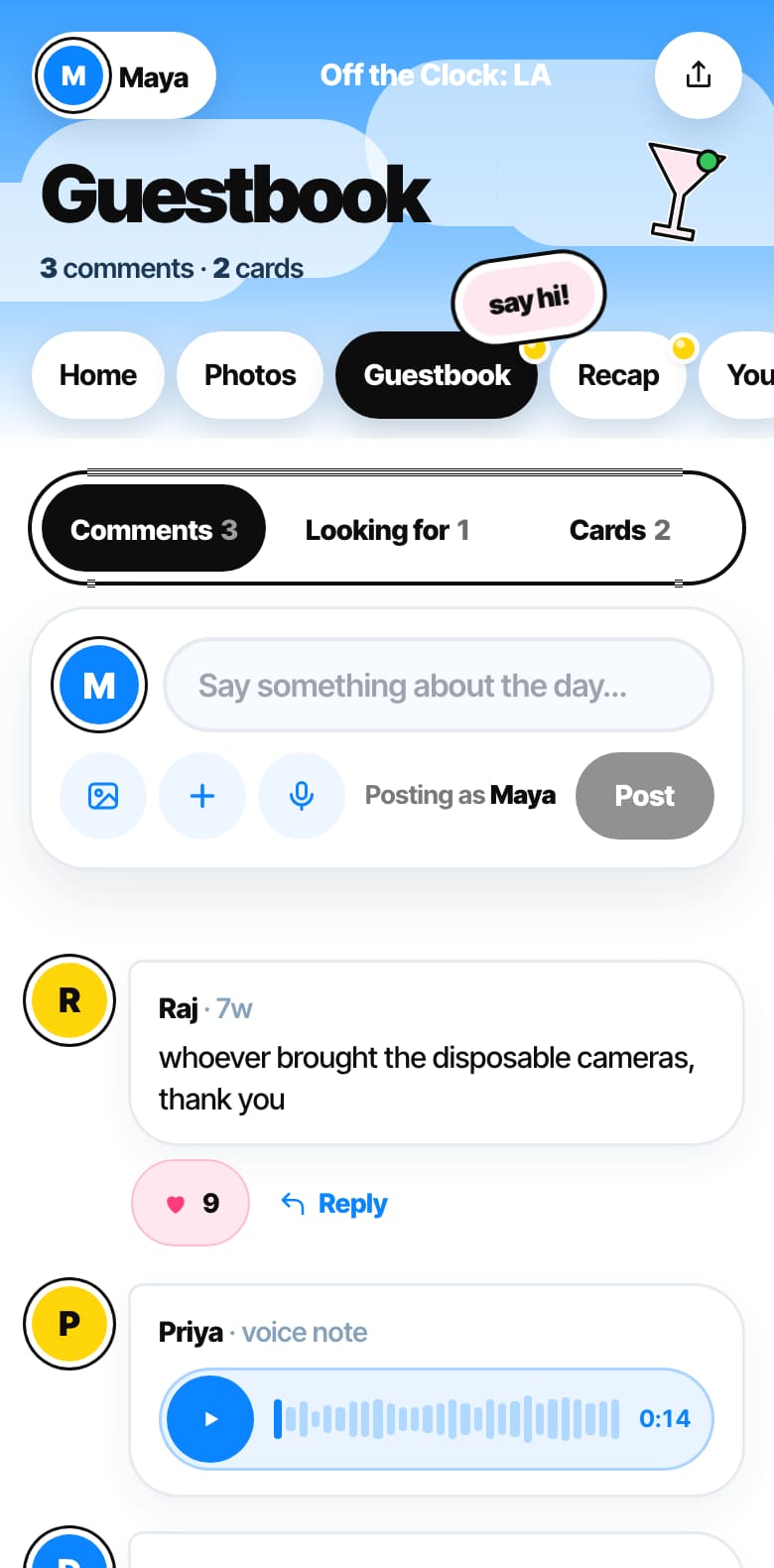
Open the event page, tap Photos, and pick from the camera roll. Voice notes go in the guestbook.

What works
Photos in JPEG, PNG, HEIC, WebP or GIF, so iPhone photos upload as they are. Videos in MP4, MOV, WebM or M4V up to 50 MB. Voice notes up to 15 seconds.
How many
The host picks how many photos each guest can add: 10, 20, 50, 100 or no limit.
Questions
Why did my upload stop?
The event may be out of storage, or you reached the host's limit per guest. Ask the host.
Can I add photos after the event?
Yes, while the page is open.
Did this help?
Still need help?
Someone on the MyWrap team writes back.