How do I add a poll, quiz or raffle?
Add a prompt to your event. Guests see it on the page and answer with one tap. You can have up to 5 at a time.

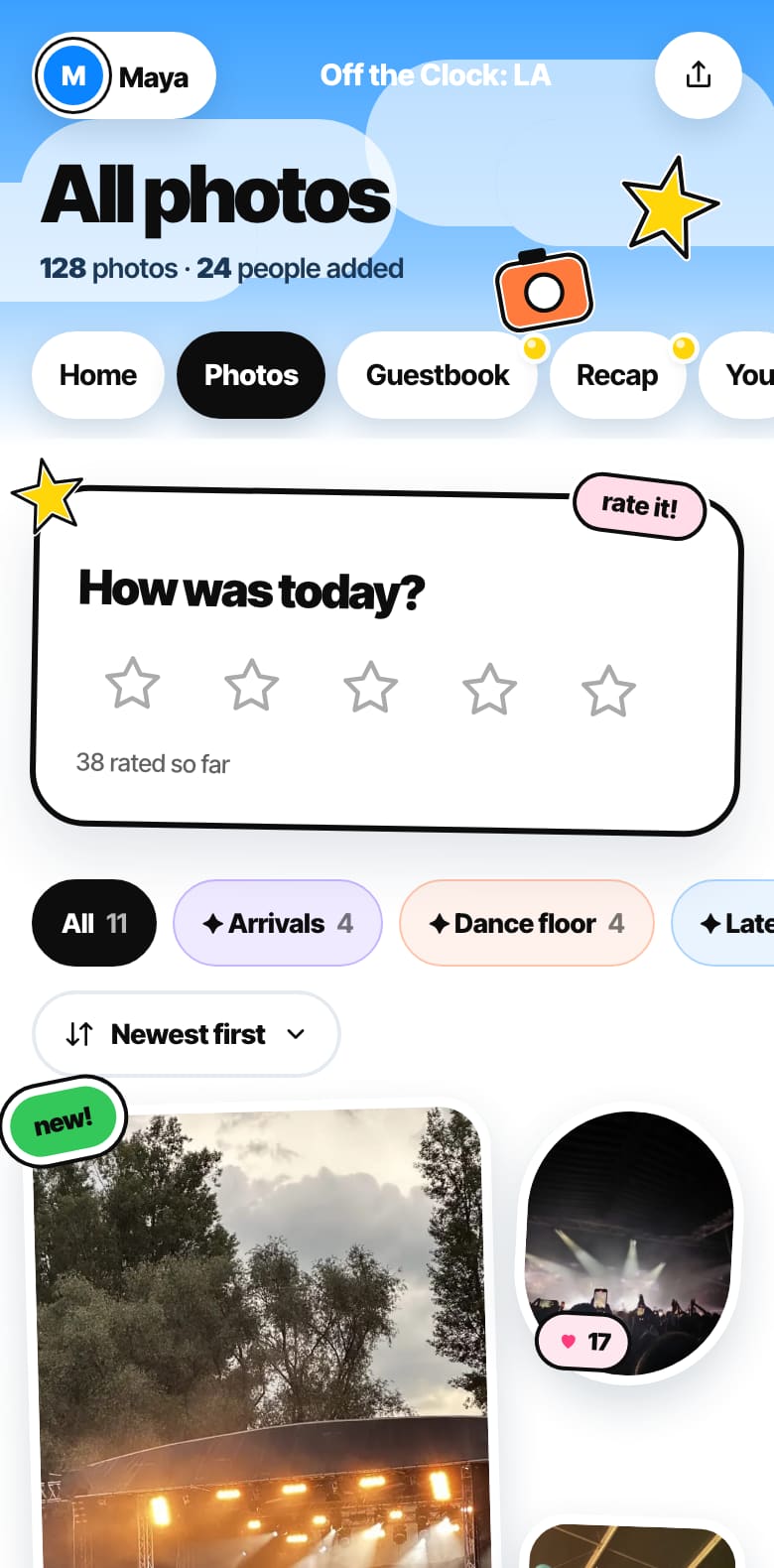
The kinds
Rating, Score 0 to 10, Poll, Hot take, Quiz, Question box, Reaction, Caption this, Photo prompt, Rank it, Raffle, Sign-up, Follow and Shop. Prompts come with Standard and every plan above it.
Adding one
- Open the eventAdd a prompt.
- Pick a kindWrite the question and up to 6 options.
- PublishGuests see it the next time they open the page.
Questions
Where do the answers go?
To the event's Feedback and Analytics in your workspace, and into the debrief.
Did this help?
Still need help?
Someone on the MyWrap team writes back.